QBR template: free Google Slides + Airtable structure (2026)
A free QBR template structure — five sections that actually move the meeting, the Airtable schema behind it, and when to upgrade to automation.
A QBR template that holds its shape across fifty accounts has five slides: business outcomes against targets, product usage, roadmap alignment, risks and blockers, and asks. Each binds to one table in a five-table Airtable base, so the deck fills itself per account and every CSM ships the same structure. The template, the schema and the point to automate are below.
The CSM had four QBRs that week. By Wednesday afternoon she’d built three of them in slightly different shapes — the first one had a roadmap slide near the front, the second one didn’t, the third had a usage benchmark that the second was missing. Same product, same template, three different decks. The customer who got the worst deck wasn’t the lowest-tier customer. It was the one she’d run out of time on.
That’s the case for a real QBR template — not a generic “executive review” deck, but an opinionated structure that holds the same shape across accounts, every quarter, regardless of who on the team is building it. This piece is that template. Five sections. The Airtable schema that backs it. And the honest line where a free template stops being enough and the team needs the QBR automation pipeline approach.
What a QBR template actually has to do
The QBR template earns its keep on three jobs. It has to give the executive sponsor a reason to keep paying — outcomes against the goals the contract was sold on. It has to give the team a defensible artefact — something they can attach to a renewal conversation six months later without rewriting it. And it has to be cheap to build, because the volume is the point. A QBR template that takes four hours to fill in is not a QBR template, it’s a custom report with the wrong name on it.
The structure below is the version that survives at scale — fifty QBRs a quarter, ten CSMs, one shared format.
| # | Section | The slide is | Bound to |
|---|---|---|---|
| 1 | Business outcomes vs targets | Three or four outcomes, target / actual / delta, one sentence on top, no editorialising | Outcomes table |
| 2 | Product usage and adoption | The three usage signals that ladder up to slide one, two charts and a paragraph | Usage Metrics table |
| 3 | Roadmap alignment | Two or three shipping capabilities this customer cares about, with dates | The product team’s roadmap source |
| 4 | Risks and blockers | Two or three risks, each with a fix and an owner; the slide CSMs skip when the news is bad | Risks table |
| 5 | Asks | Two or three things needed from the customer, each with a why and a date | Asks table |
The five sections
1. Business outcomes vs targets
The first content slide. The whole deck reports up to this. Three or four outcomes the customer cared about when they signed — pipeline generated, hours saved, headcount avoided, deals closed — and the actual number against each. Targets in one column, actuals in another, delta in the third.
Don’t editorialise on this slide. The numbers carry the meeting. If the deltas are bad, the meeting is about why. If the deltas are good, the meeting is about what’s next. The CSM’s job here is to put the numbers on the page accurately, not to spin them.
The slide is two visuals — a clean bar chart of the four outcomes against target, and a single sentence at the top: “[Customer] hit three of four outcomes this quarter, with a meaningful gap on [metric].” That sentence is what the executive sponsor remembers. Everything else on the slide supports that sentence.
2. Product usage and adoption
The second content slide. The proxy for outcomes — what the product did this quarter that ladders up to the outcomes above. Active users, depth of feature adoption, integration coverage, the workflows that actually shipped. Two charts and a paragraph.
The trap on this slide is dumping every metric the CSM has access to. Resist. Pick the three usage signals that map cleanly to the outcomes on slide one. If the outcome was “deals closed faster,” the usage metric is “average time from lead to close, since rollout.” If the outcome was “hours saved,” the usage metric is “automated runs per week.” Usage that doesn’t ladder up to outcomes is noise, and noise is what executive sponsors remember as the reason the meeting felt long.
3. Roadmap alignment
The forward-looking slide. The two or three product capabilities shipping in the next quarter that this customer specifically cares about. Not the generic roadmap deck — the curated cross-section that maps to this customer’s open questions. Each item: what’s shipping, when, and what it unlocks for them.
This is where the QBR template earns its forward weight. A QBR without a roadmap slide is a status update. A QBR with a generic roadmap slide is a marketing pitch. A QBR with a curated roadmap slide is a renewal conversation that hasn’t happened yet.
4. Risks and blockers
The honest slide. Two or three things that are at risk for this account — adoption gaps, integration debt, executive turnover on the customer side, contract issues, an open support thread that’s gone too long. With each one: the risk, the proposed fix, the owner.
This is the slide CSMs are tempted to skip when the news is bad. Don’t. The point of the QBR is that the executive sponsor knows the state of their account before their CFO does. Surfacing risk in a QBR is how a renewal stays a renewal instead of becoming a save.
5. Asks
The closing slide. Two or three things the team needs from the customer to make next quarter better. An exec sponsor for a new initiative. A data integration unlocked. A reference call. A case study sign-off. Each ask: what, why, and a date.
The QBR isn’t a one-way report. The asks slide is the artefact’s way of remembering that. Decks that skip this slide are decks that stop the renewal momentum at the room’s edge.
The Airtable schema behind it
The free template is a Google Slides file. The upgrade is the data model that fills it. A CSM running ten accounts can copy-paste; a team running fifty per CSM cannot.
Five tables, lightly opinionated:
| Table | One row per | Fields |
|---|---|---|
| Accounts | Customer | Name, tier, ARR, executive sponsor, primary CSM, renewal date, contract start, segment |
| Outcomes | Outcome per account per quarter | Account (link), quarter, outcome, target, actual, delta, narrative, status |
| Usage Metrics | Metric per account per quarter | Account (link), quarter, metric, value, prior-quarter value, tier benchmark, narrative |
| Risks | Risk per account per quarter | Account (link), quarter, risk, fix, owner, due date, status |
| Asks | Ask per account per quarter | Account (link), quarter, ask, why, date requested, status |
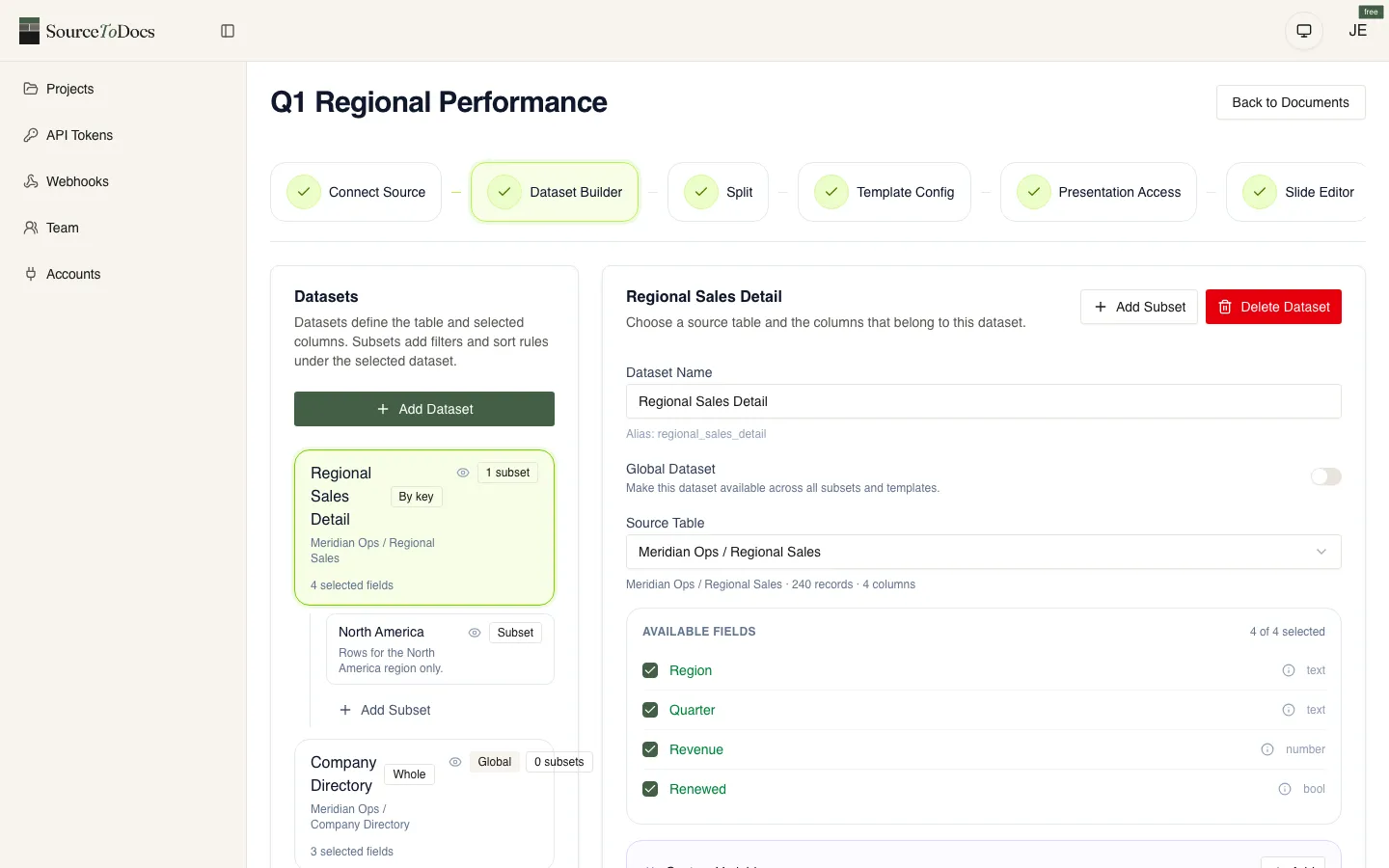
The QBR Slides template binds to this schema one section at a time. Outcomes slide pulls from Outcomes. Usage slide pulls from Usage Metrics. Risks slide pulls from Risks. Asks slide pulls from Asks. The roadmap slide is the one slide that doesn’t bind to the customer’s data — it binds to a separate Roadmap table or to the product team’s own source of truth.
A CSM running this manually fills the Airtable rows once per quarter and copy-pastes into Slides. A team running this on a pipeline binds the Airtable schema to the Slides template directly; Airtable to Google Slides is the walkthrough.
The trap to avoid
Most QBR templates a CSM will inherit on day one are bloated. Twenty-five slides of background, roadmap, marketing collateral, “what’s new at [vendor]” filler. The actual outcomes-and-asks signal is buried by slide eighteen. The executive sponsor stops reading by slide six.
The five-section structure above is the antidote. It’s deliberately short. It puts the signal in the first half of the deck. It treats the executive sponsor’s twenty minutes as a constraint to design around, not a slot to fill.
The other trap: per-CSM drift. CSM A organises the deck one way, CSM B another way, the customer who gets passed between them gets two different artefacts. The template — and the schema behind it — is what stops the drift. The shape is fixed. Only the data changes per account.
When to upgrade
Three signals. The team is running more than thirty QBRs a quarter. The numbers on slide one are coming from more than two systems. The CSMs are spending more than ninety minutes per QBR on prep.
Hit two of three and the manual template stops being enough. The next step is a pipeline that fills the template from the data layer on a schedule, leaves the CSM the editorial work (the narrative paragraphs, the asks), and ships the deck a week before the meeting. That’s the QBR automation pattern, and the QBR automation covers the architectural shape.
For the operator’s view of running QBRs at scale, see QBR meeting at scale. For the agency-side analogue of this template, see monthly client report template. For the longer architectural treatment of the automation, return to the QBR automation.