Free business report template for Google Docs
A general business report with cover, executive summary, findings, recommendations and appendix, generated per period or project from your data.
Free to copy, no sign-up: the file opens in your own Google Drive. Updated November 13, 2026.
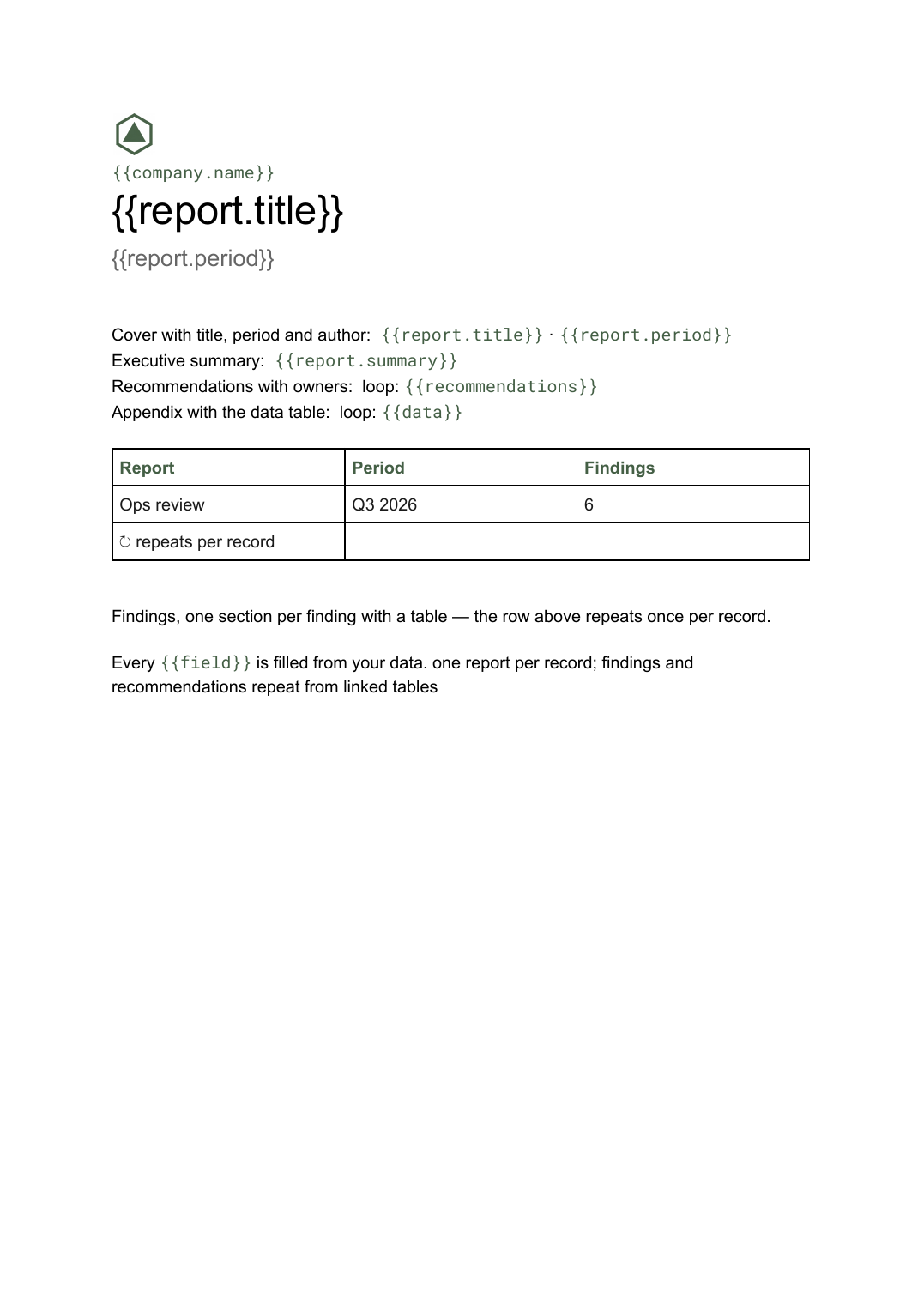
What’s in the business report template
Every block has a placeholder showing where your details go. Type over them by hand, or bind each one to a field in your data and let it fill itself.
- Cover with title, period and author {{report.title}} · {{report.period}}
- Executive summary {{report.summary}}
- Findings, one section per finding with a table loop: {{findings}}
- Recommendations with owners loop: {{recommendations}}
- Appendix with the data table loop: {{data}}
How to use this business report template in Google Docs
- 01
Copy the template to your Google Drive
Press "Copy to my Google Docs". Google asks to make a copy, and the copy is yours to edit; the original is never changed. All you need is a free Google account.
- 02
Replace the placeholders with your details
Text in double braces, like {{report.title}}, marks where your own values go. Work down the page: cover with title, period and author; executive summary; findings, one section per finding with a table, and so on.
- 03
Make it match your brand
Swap the logo, colours and fonts in Google Docs as you would in any document. The layout is built to hold when the text changes.
- 04
Download it as a PDF, or share the link
File, then Download, then PDF Document gives you a file to send or print. Download as Word (.docx) works too if someone needs it.
- 05
Making these regularly? Fill it from your data
Connect Airtable, Google Sheets or a CSV to SourceToDocs and it fills a copy of this template for every row, so you stop retyping.
The general business report is the document where content drives length more than any other: the findings section is six pages one quarter and twenty the next. That is why this template is a Google Doc. The cover, summary and recommendations keep their shape; the findings repeat for as many as there are, each with its evidence table, and the appendix carries the data.
Findings are records
Keep the findings in a table linked to the report record, with severity and evidence. The report loops them in order of severity, each as a section with a table. Recommendations loop from their own table with owners. Nothing is pasted.
Fill this business report template from Airtable, Google Sheets or a CSV
Connect an Airtable base, a Google Sheets spreadsheet or a CSV file, map each field to a placeholder, and generate. One run can produce a single document or one per matching row, delivered to your Google Drive.
Reports: A general business report with cover, executive summary, findings, recommendations and appendix, generated per period or project from your data.
 Reports Airtable
| Report | Period | Findings |
|---|---|---|
| Ops review | Q3 2026 | 6 |
| Site audit | Oct 2026 | 11 |
| Vendor review | H2 2026 | 4 |
Pick a row to see its document.
 Ops review · Q3 2026 Google Docs
Reports
Ops review
Q3 2026
Executive summary
6 findings
4 recommendations
Same design every time, only the details change. One document per row, saved to your Google Drive.
Who uses this business report template
Consultancies
Client reports with findings and recommendations from the engagement base.
Read the guideCompliance and audit
Audit-style reports where the number of findings varies every time.
Read the guideRelated templates
All reports →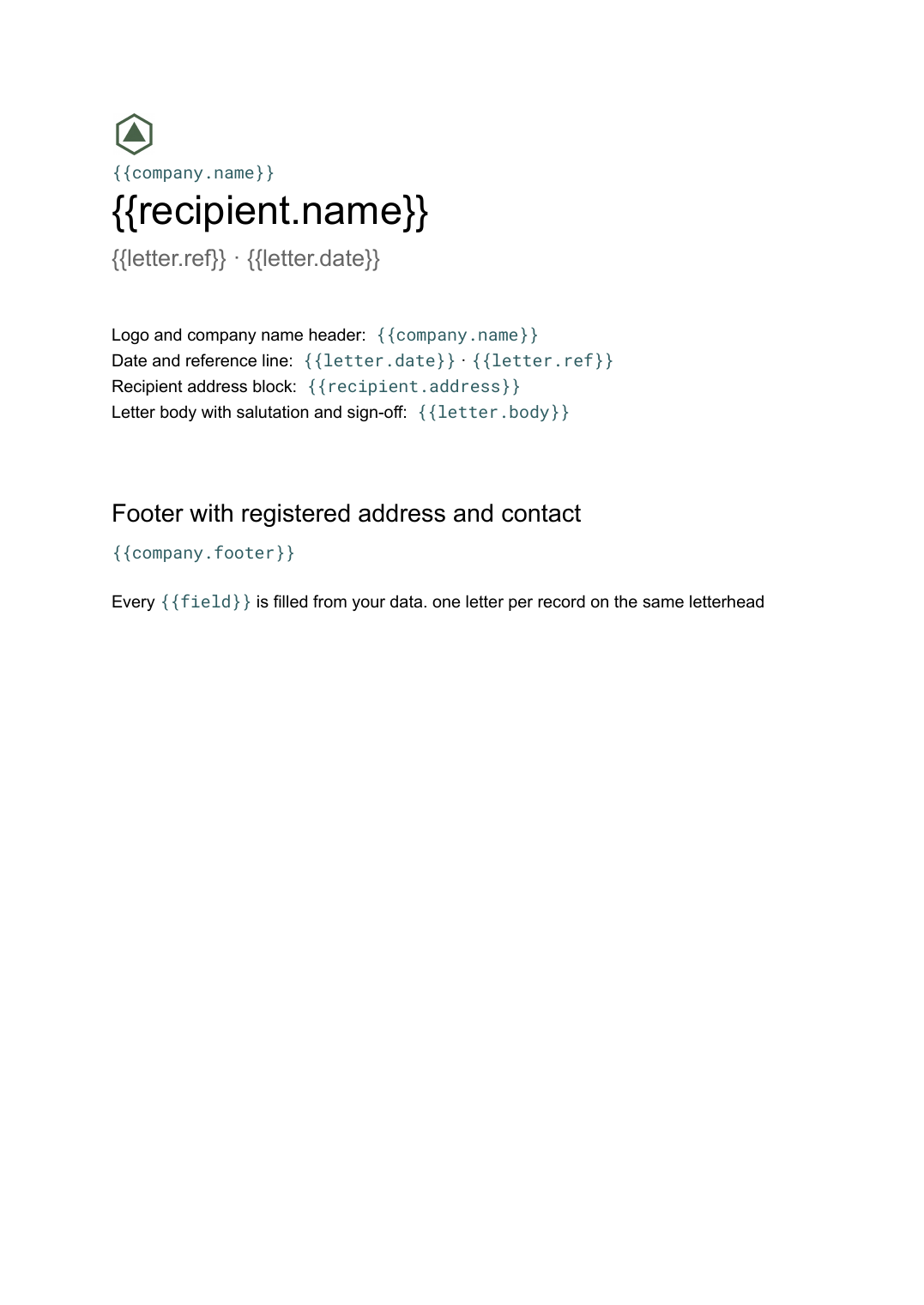 Google Docs
Letterhead template
Company letterhead with logo, address and footer, and a letter body generated per recipient from your contact list.
View template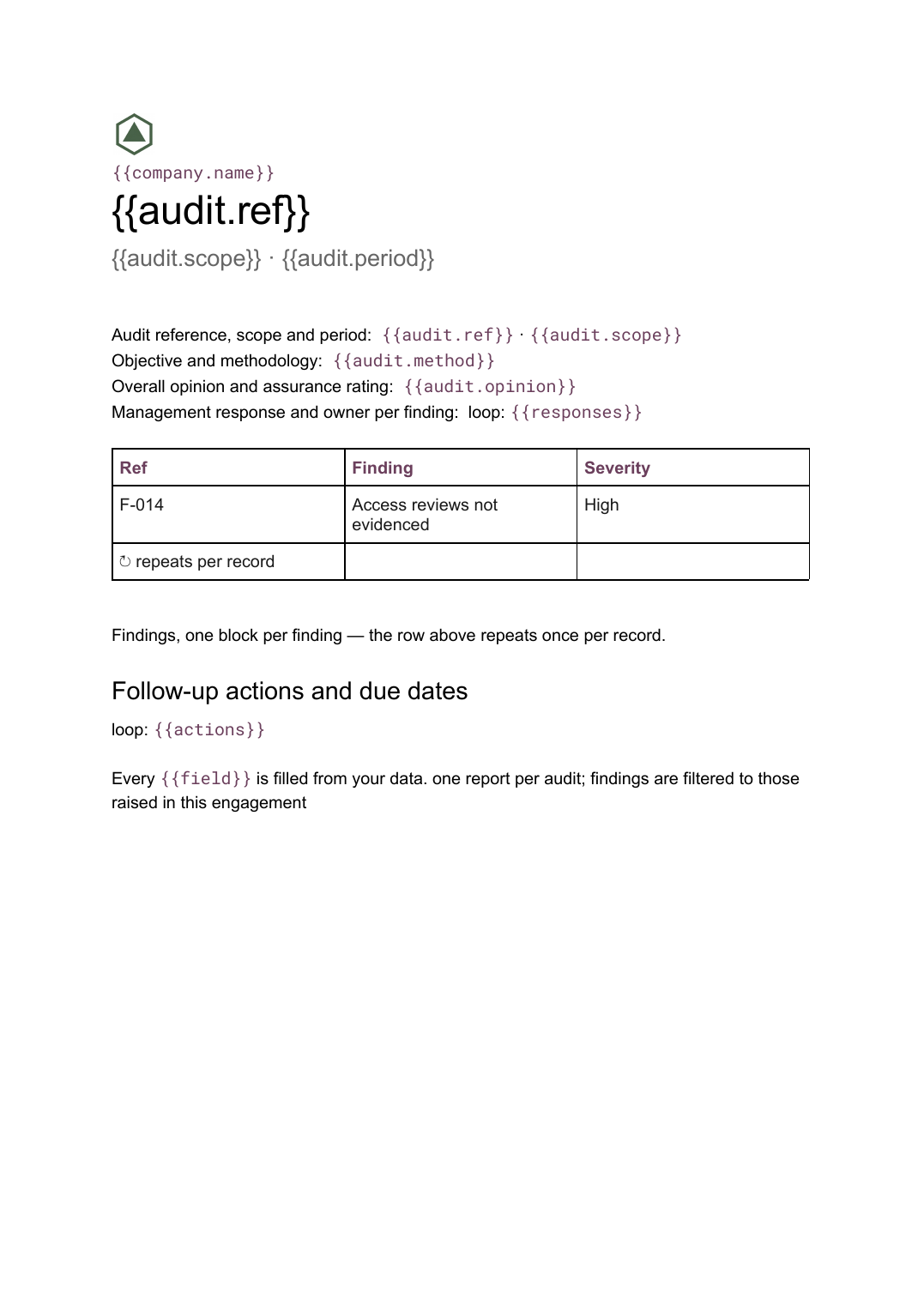 Google Docs
Audit report template
A per-audit report setting out scope, findings with severity and management responses, generated from your findings register.
View template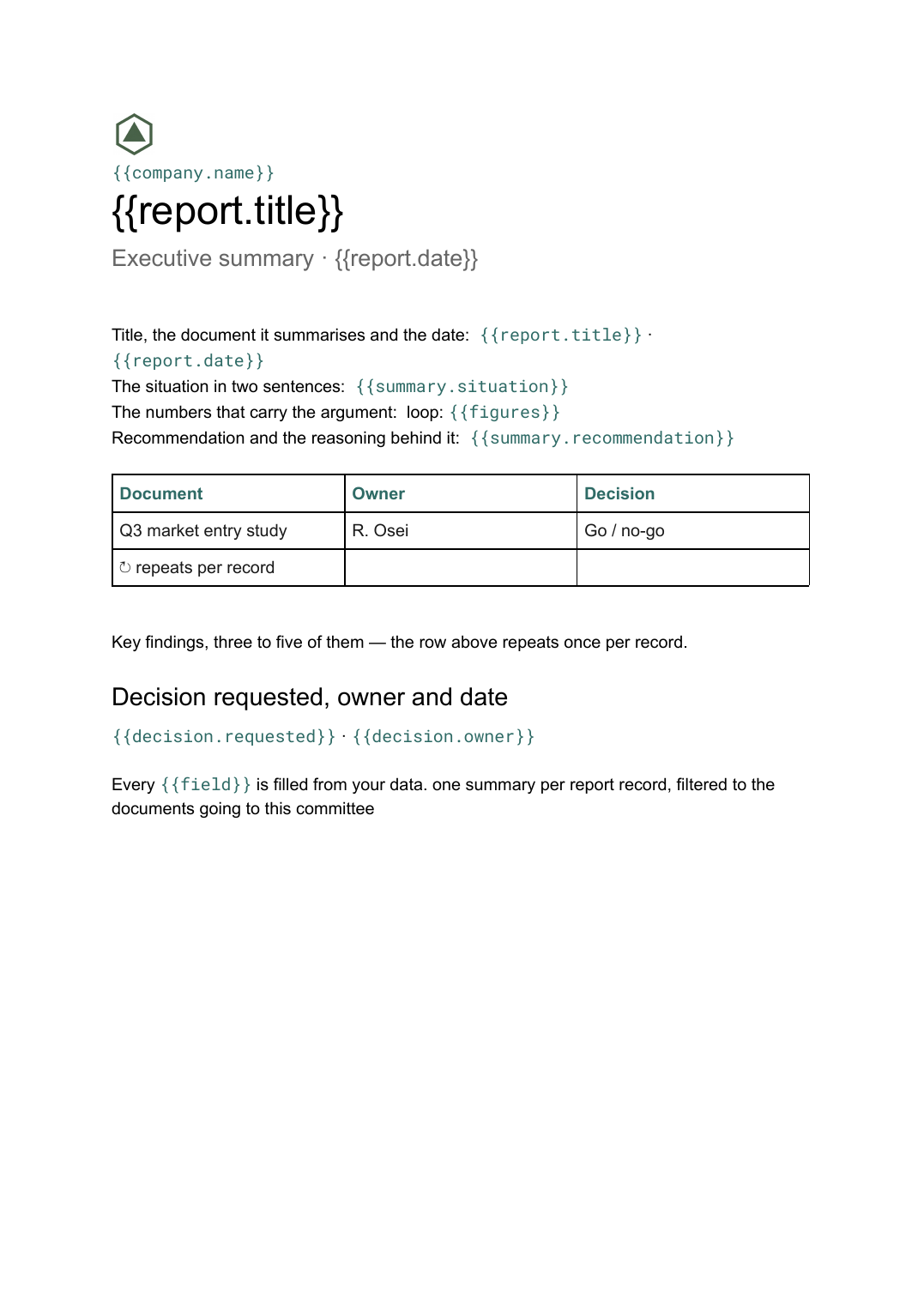 Google Docs
Executive summary template
A one-page distillation of a longer document covering the situation, findings and the decision requested, generated per report from your data.
View template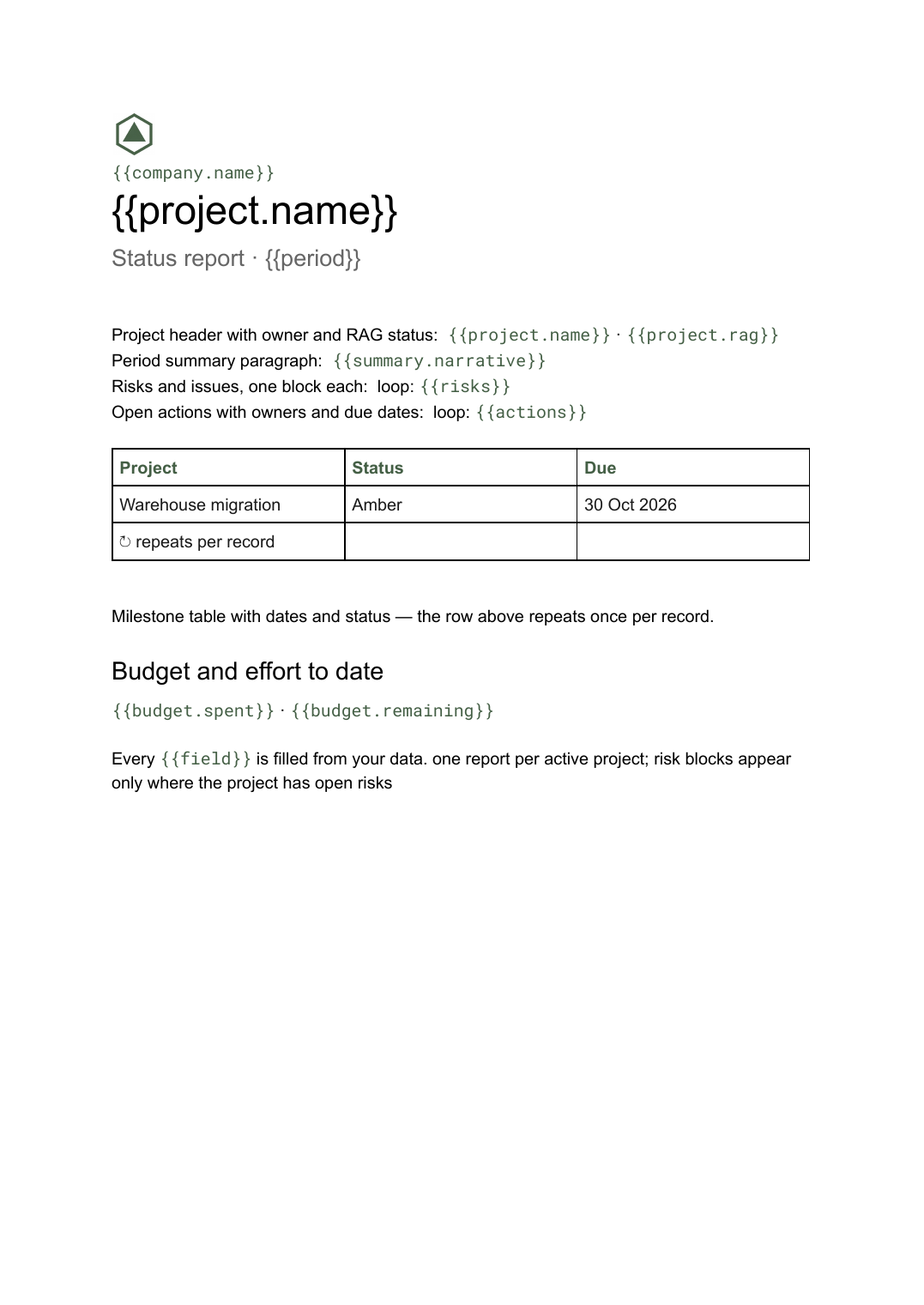 Google Docs
Project status report template
A per-project status write-up covering progress, milestones, risks and open actions, generated one per project from your tracker.
View templateCommon questions, answered
Why a Doc rather than a deck? +
Where do findings come from? +
Can I generate it per client or per period? +
Is this business report template free? +
Can I download this business report template as a PDF or Word file? +
Generate this document from your data
Start on the free plan, connect Airtable, Google Sheets or a CSV, and export a real Google Docs file. No watermark, no credit card.