Free speaker status report template for Google Docs
An internal report of every speaker grouped by status, with counts, open items and a last-updated stamp.
Free to copy, no sign-up: the file opens in your own Google Drive. Updated November 18, 2026.
What’s in the speaker status report template
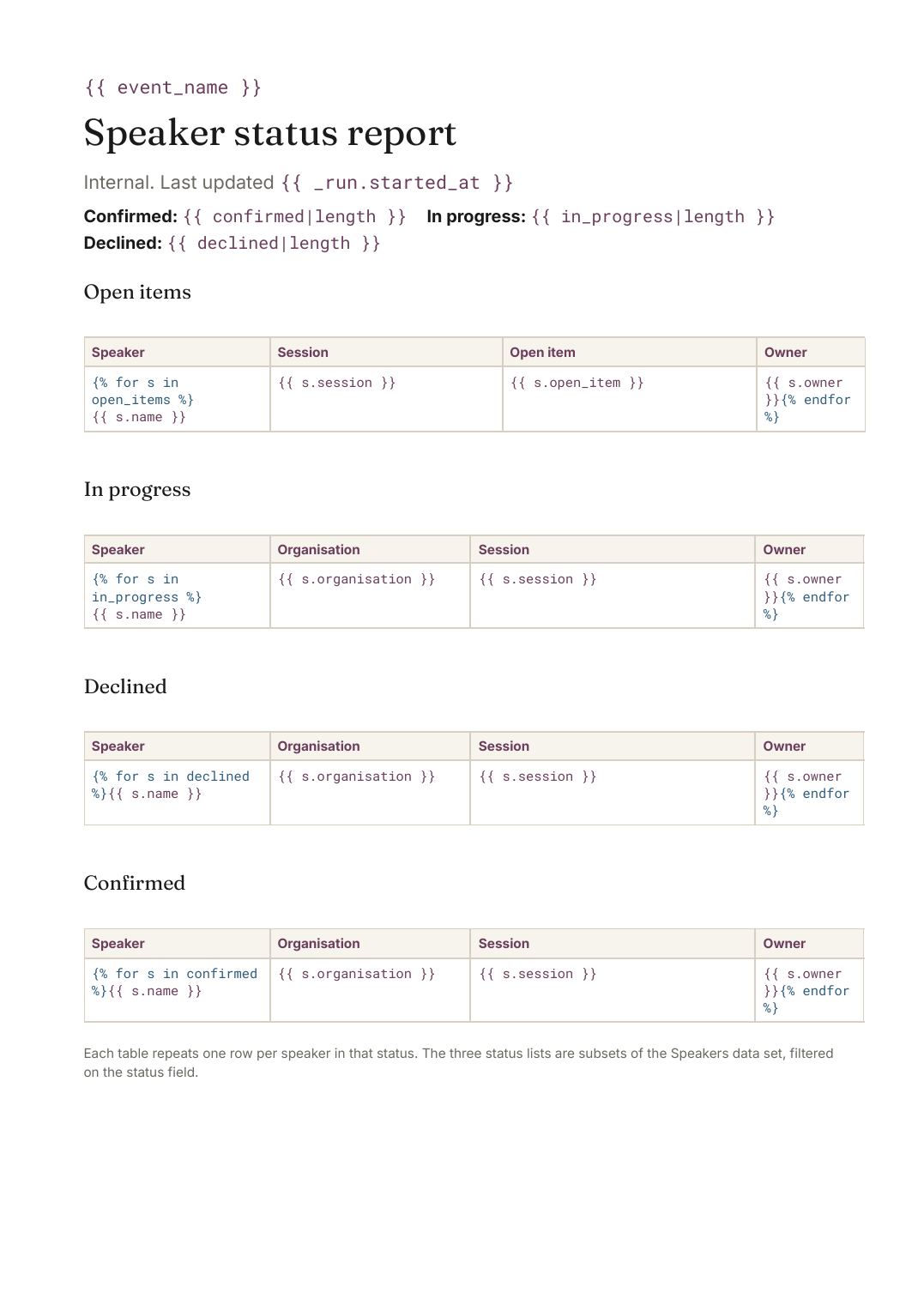
Every block has a placeholder showing where your details go. Type over them by hand, or bind each one to a field in your data and let it fill itself.
- Header with the event name {{ event_name }}
- Last-updated stamp from the run {{ _run.started_at }}
- Counts per status {{ confirmed|length }} · {{ in_progress|length }} · {{ declined|length }}
- Open items table, one row per item loop: {% for s in open_items %}
- In progress speakers loop: {% for s in in_progress %}
- Declined speakers loop: {% for s in declined %}
- Confirmed speakers loop: {% for s in confirmed %}
Part of the event document family
The speaker status report is one of seven documents an event team generates from one session list. The guide covers all seven and how they stay in sync.
Speaker status report in event program automationHow to use this speaker status report template in Google Docs
- 01
Copy the template to your Google Drive
Press "Copy to my Google Docs". Google asks to make a copy, and the copy is yours to edit; the original is never changed. All you need is a free Google account.
- 02
Replace the placeholders with your details
Text in double braces, like {{ event_name }}, marks where your own values go. Work down the page: header with the event name; last-updated stamp from the run; counts per status, and so on.
- 03
Make it match your brand
Swap the logo, colours and fonts in Google Docs as you would in any document. The layout is built to hold when the text changes.
- 04
Download it as a PDF, or share the link
File, then Download, then PDF Document gives you a file to send or print. Download as Word (.docx) works too if someone needs it.
- 05
Making these regularly? Fill it from your data
Connect Airtable, Google Sheets or a CSV to SourceToDocs and it fills a copy of this template for every row, so you stop retyping.
A speaker status report tells the program team where every speaker stands. It groups speakers as confirmed, in progress or declined, counts each group, and lists the open items. It is an internal document.
Three numbers and one list
The top of the report shows three counts. Under them is the open items table: the speaker, the session, what is missing and who owns it. A director can stop reading there. The full lists per status follow for the people who do the chasing.
Status lives in the data
Keep one row per speaker. Add a status field, an owner and a short open item. The template reads three subsets of that table, one per status. When a speaker moves from in progress to confirmed, the next report shows it. Nobody edits the report by hand.
A dated report every run
Each run stamps the report with the time it started and saves it as a new file. A folder of daily reports becomes a record of how the program came together.
Fill this speaker status report template from Airtable, Google Sheets or a CSV
Connect an Airtable base, a Google Sheets spreadsheet or a CSV file, map each field to a placeholder, and generate. One run can produce a single document or one per matching row, delivered to your Google Drive.
Events & programs: An internal report of every speaker grouped by status, with counts, open items and a last-updated stamp.
 Speakers Airtable
| Speaker | Status | Open item |
|---|---|---|
| Leena Saarinen | In progress | Waiting for travel approval |
| Oskar Halden | Declined | Replacement needed |
| Maja Lindqvist | Confirmed |
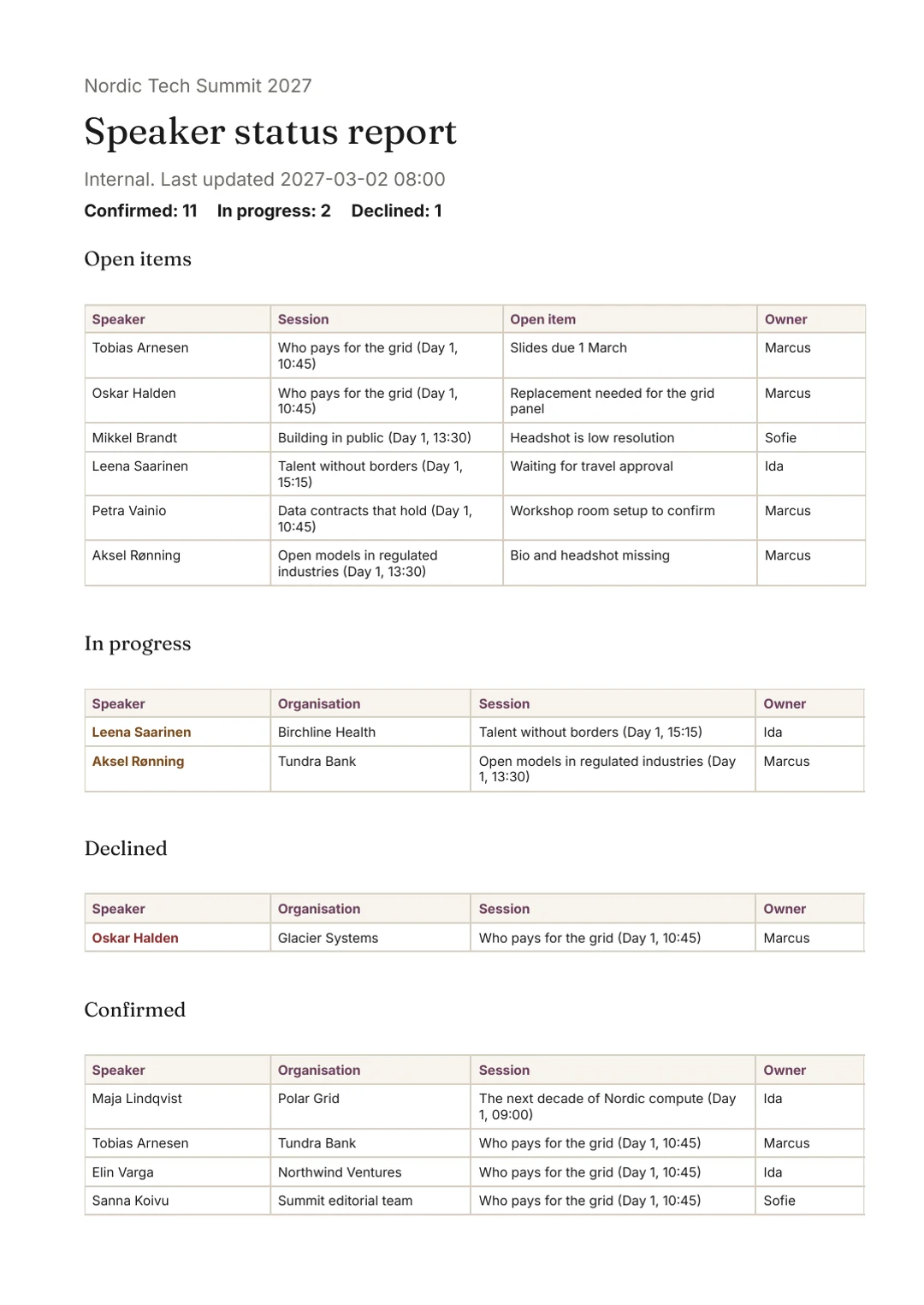
Each row becomes a line in the document.
 Speaker status report · Nordic Tech Summit 2027 Google Docs PDF
Events & programs
Speaker status report
Nordic Tech Summit 2027 · 2 March, 08:00
Confirmed: 11
In progress: 2
Declined: 1 · 6 open items
Every row lands in one finished document, saved to your Google Drive.
Who uses this speaker status report template
Speaker managers
Open the morning stand-up with the same report every day and see what moved since yesterday.
Read the guideProgram directors
Read three numbers and one list of open items to know where the program stands.
Read the guideTeams tracking speakers in Airtable
Keep status as a single select field and let the report group and count from it.
Read the guideRelated templates
All events & programs →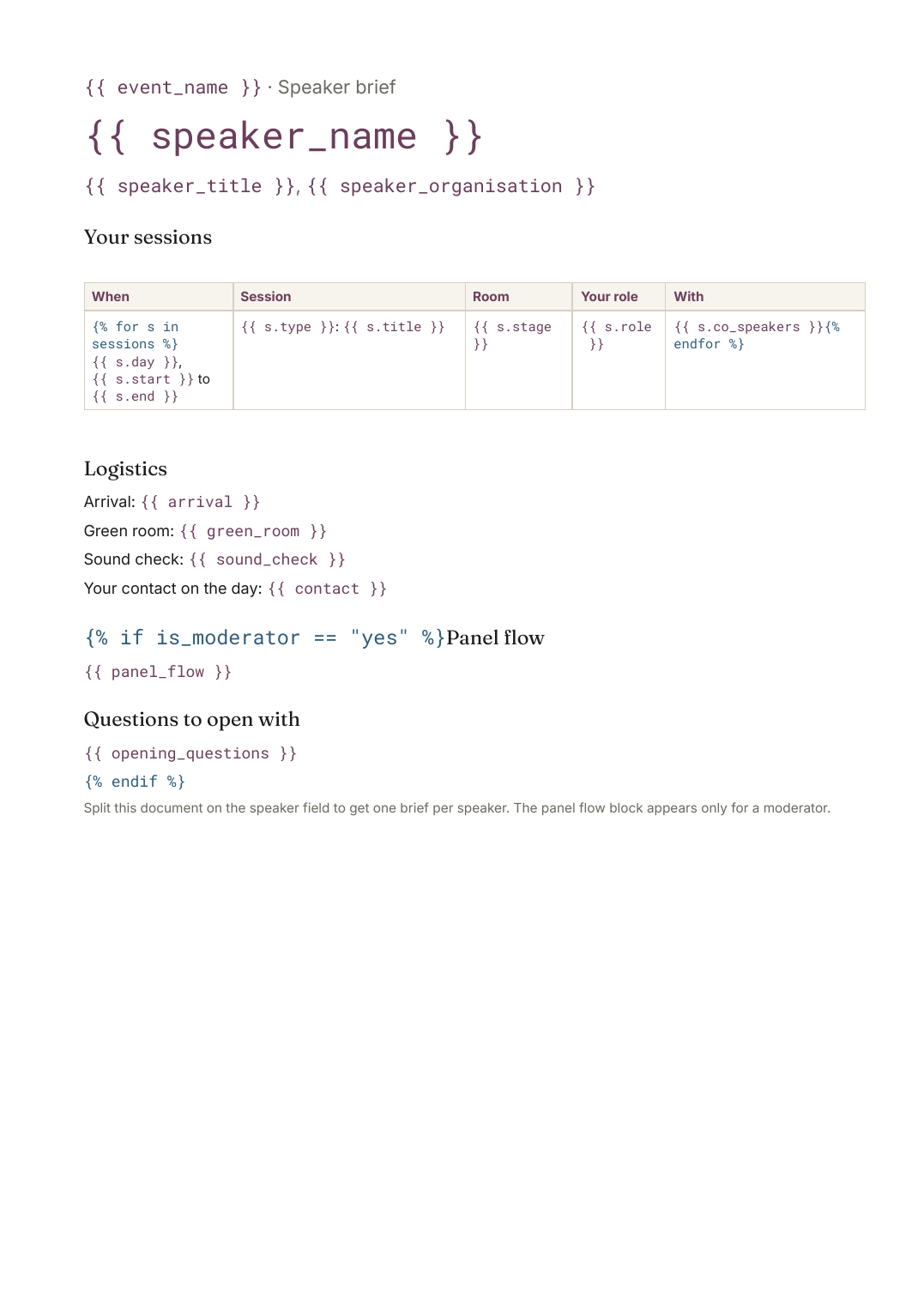 Google Docs
Speaker brief template
One brief per speaker: their own sessions, times, room, co-speakers, moderator and logistics, with a panel flow block for moderators.
View template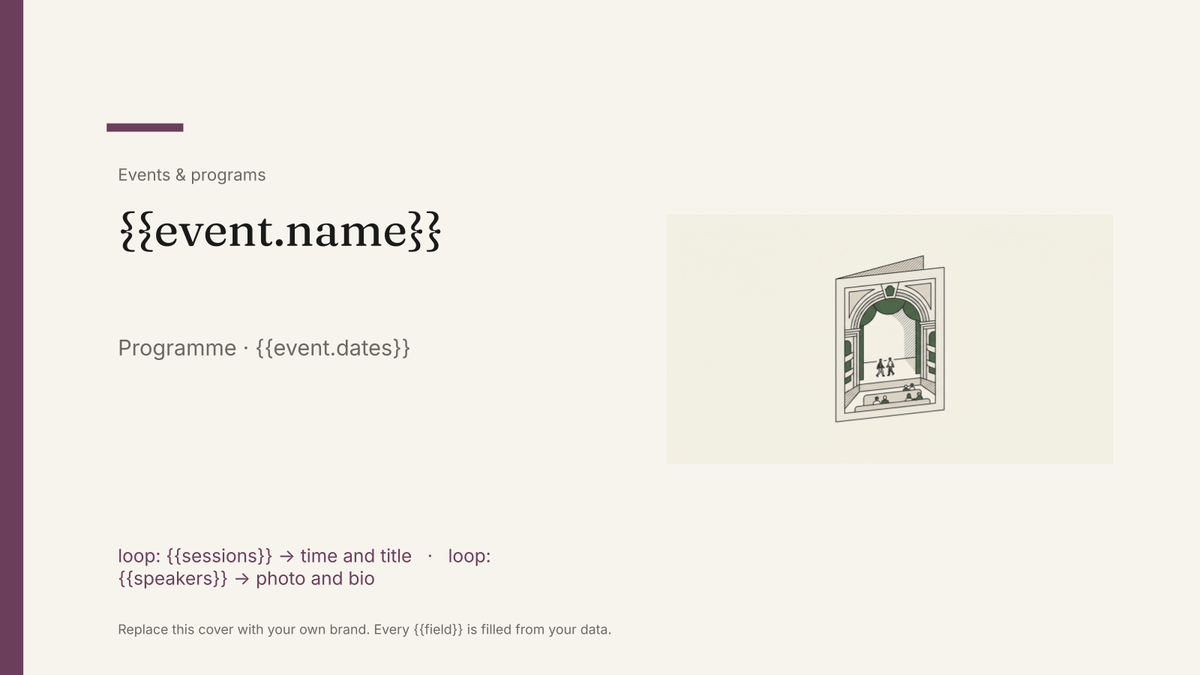 Google Slides
Event program template
A designed programme booklet for an event, generated per event from the session and speaker list.
View template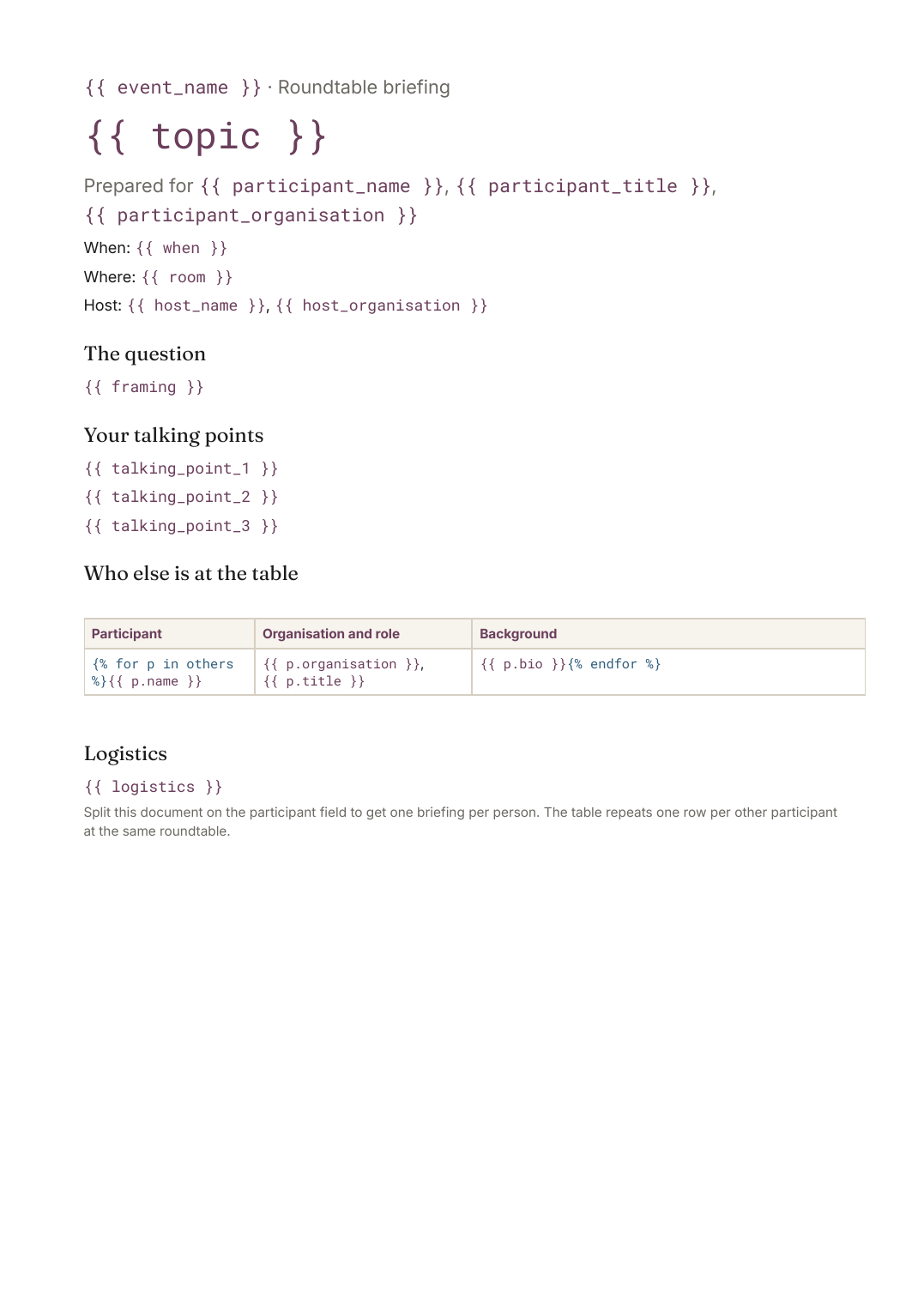 Google Docs
Roundtable briefing template
A pre-session briefing for one roundtable participant: the topic, the host, who else is at the table, their own talking points and logistics.
View template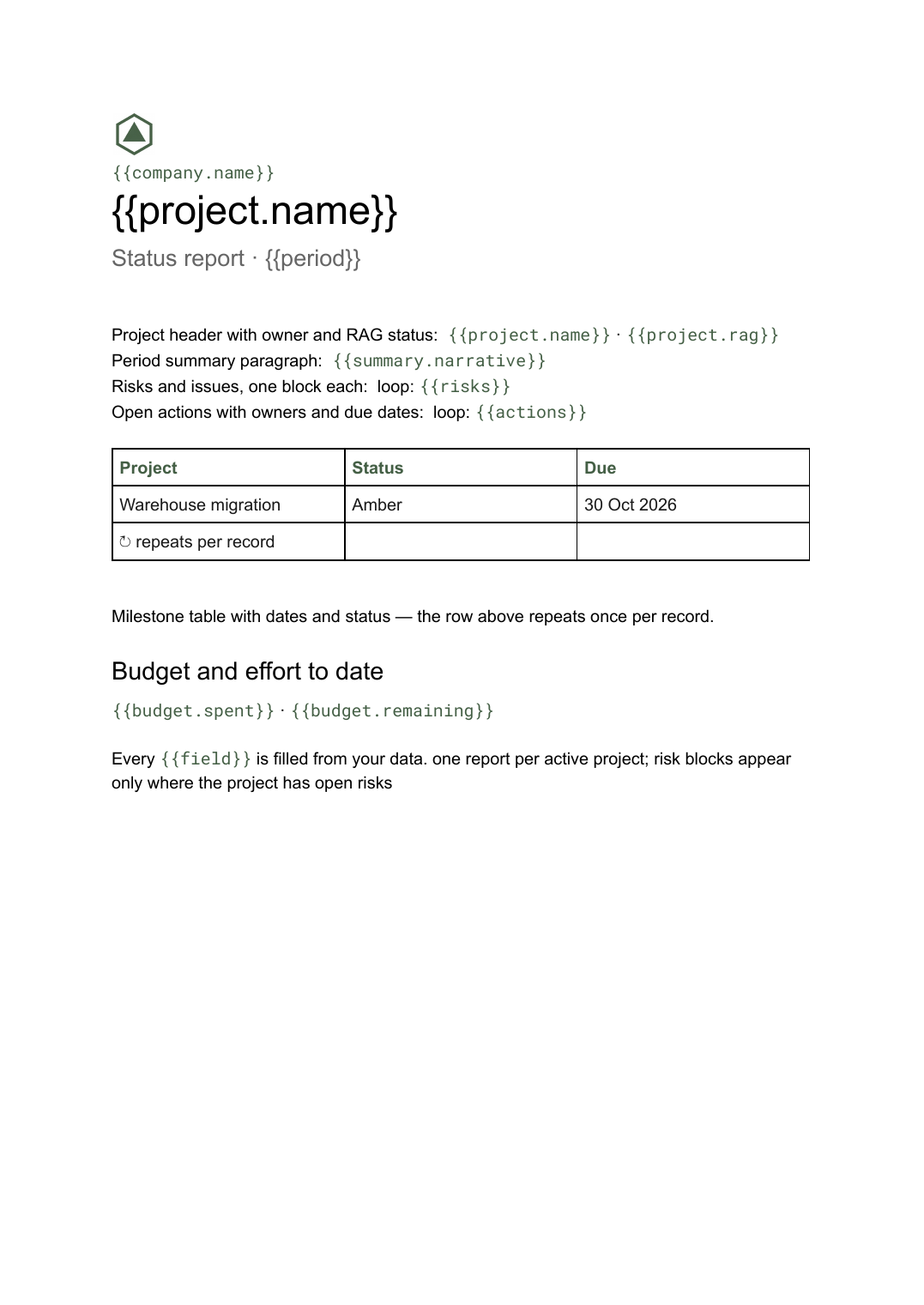 Google Docs
Project status report template
A per-project status write-up covering progress, milestones, risks and open actions, generated one per project from your tracker.
View templateCommon questions, answered
How do I create a speaker status report automatically? +
Which statuses should I track? +
How often should the report run? +
Can the report be grouped by session or by owner? +
Is this report meant for speakers? +
Is this speaker status report template free? +
Can I download this speaker status report template as a PDF or Word file? +
Generate this document from your data
Start on the free plan, connect Airtable, Google Sheets or a CSV, and export a real Google Docs file. No watermark, no credit card.