5 client reporting tools agencies use (and what each one misses)
An honest comparison of five client reporting tools — AgencyAnalytics, Whatagraph, ReportGarden, DashThis, Looker Studio — and the gap none of them close.
The five client reporting tools agencies shortlist most, AgencyAnalytics, Whatagraph, ReportGarden, DashThis and Looker Studio, are all dashboard tools with PDF export. They fit clients who want a performance snapshot; none produces a designed, narrative-led document. This comparison scores each on integrations, output, white-label depth, portal and price, and says which agency each one fits.
An agency director told me recently they evaluated nine client reporting tools last year and ended up using three. Not because the first six were bad — because each tool fit a different client mix, and one tool covering everything is a fiction the category sells but rarely delivers. The question isn’t “which client reporting tool is best.” It’s “which client reporting tool fits which clients, and what’s the gap none of them close.”
This piece is the honest version. Five tools agencies actually converge on, what each does well, what each doesn’t, and the structural gap across all of them: most are dashboard tools with PDF export bolted on, not document tools. For the longer architectural treatment of the category, read the agency client reporting automation.
The five tools
The shortlist below isn’t comprehensive — there are dozens of client reporting tools — but in conversations with agency operators, these five come up at least eight times in ten. They cover the spread from “polished agency-first SaaS” through “free and flexible if you can engineer it.”
| AgencyAnalytics | Whatagraph | ReportGarden | DashThis | Looker Studio | |
|---|---|---|---|---|---|
| Integrations | Widest marketing stack, kept current | Marketing stack plus CRM and email | PPC-deep; SEO, social, email added over time | The standard set | Google’s stack natively; partners for the rest |
| Output shape | Screenshotted dashboard as PDF | Designed widgets as PDF | Dashboard, portal, monthly snapshots | Scheduled dashboard PDF | Whatever you build |
| White label | Domain, logo, sender, no upsell | Robust | Functional | Functional | You build it |
| Client portal | Basic | Basic | The feature | No | If you build one |
| Price band | Low double-digit per client | A notch above | Similar to Whatagraph | Cheapest per client | Free; pay in engineering time |
| Best for | Performance-marketing agencies, fast onboarding | Brand-conscious accounts, EU and ANZ teams | Clients who want a permanent dashboard | High-volume, low-touch, tight margins | Technical teams with an analytics engineer |
| The gap | Dashboard print, not a document | Templates resist bending to a client’s brand book | Same dashboard-export problem | Design ceiling | Polish, white label and operations are all on you |
1. AgencyAnalytics
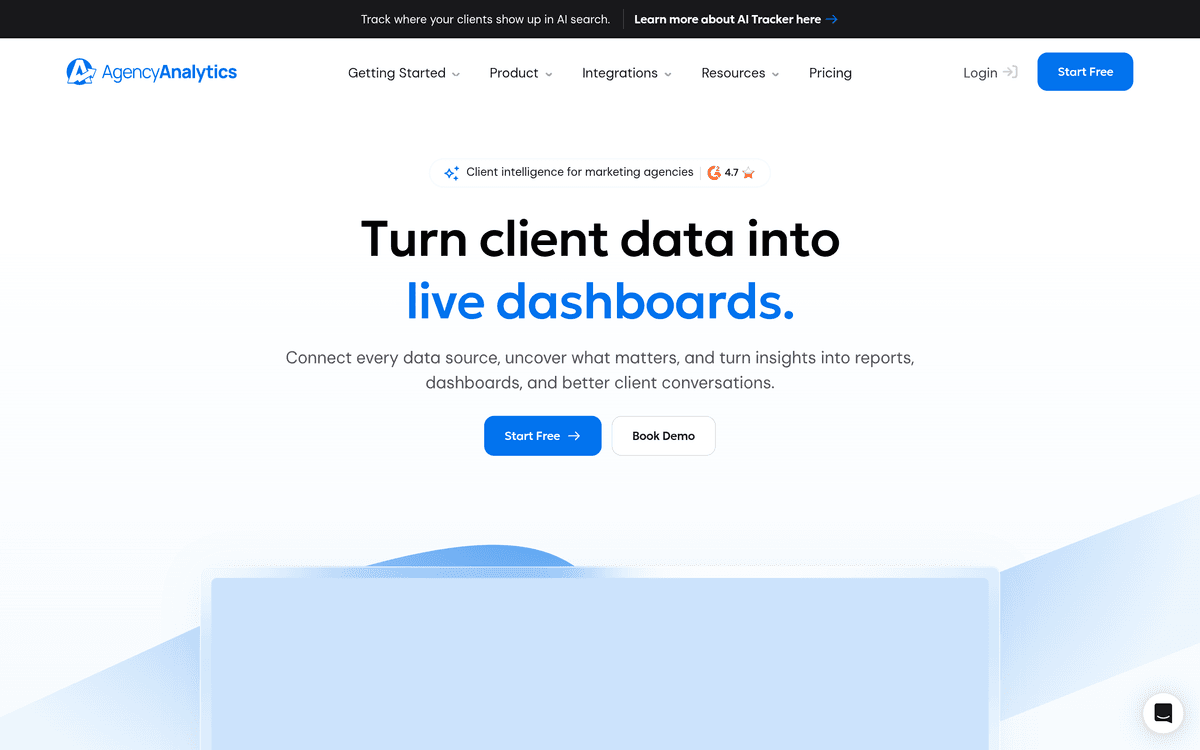
The default for small-to-mid agencies running performance marketing. Connects to the marketing platforms (Google Ads, Meta, GA4, Search Console, Bing, LinkedIn, the SEO tool stack — Ahrefs, SEMrush, Moz). Drag-and-drop dashboard builder, scheduled PDF exports, a respectable white-label layer. The price band sits at the lower end — a low-double-digit per-client monthly figure, with tier discounts at volume.
What it does well. Onboarding speed. A new agency operator can have ten clients connected and reporting within an afternoon. The integration list is wide and stays current with platform API changes. White-labelling covers the basics — domain, logo, sender — without an enterprise upsell.
What it misses. The PDF output is a screenshotted dashboard, not a designed document. For agencies whose clients want narrative-led reports — strategy commentary, recommendations, polished cover, designed sections — AgencyAnalytics produces something that looks like a report but reads like a dashboard print. The further your clients sit from “performance marketing review,” the worse the fit gets.
2. Whatagraph
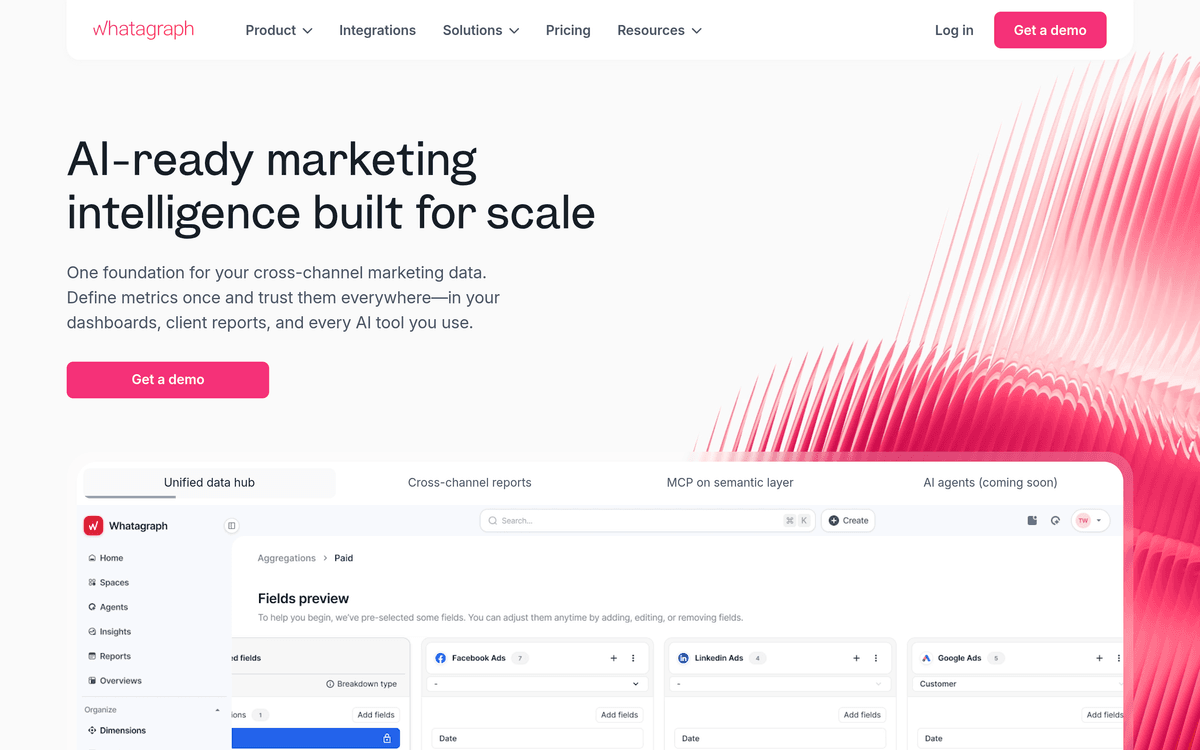
The polished alternative — same category, more design effort baked into the templates. Strong in EU and ANZ markets. Connects to the same marketing data sources plus a healthy spread of CRM and email tools. Templates feel less like Bootstrap dashboards and more like agency case studies. Price band sits a notch above AgencyAnalytics — mid-double-digit per-client monthly.
What it does well. Visual polish. The default templates are presentable to a client without rebuilding them. White-labelling is robust. The cross-channel report — combining paid, organic, email, and CRM in one document — is genuinely better than what most competitors produce.
What it misses. Customisation depth. The templates are good if you stay close to the default; bending them to a specific client’s brand-book or section structure is harder than it looks. And like AgencyAnalytics, the output is a dashboard-shaped document — a series of widgets — rather than a written deliverable with charts as supporting evidence.
3. ReportGarden
The mid-market workhorse. Strong PPC focus historically; broadened into SEO, social, and email over time. The price band is similar to Whatagraph; the visual polish is somewhere between the two above. ReportGarden also offers a more robust client-portal experience — clients log in, see their dashboard, and get monthly snapshots — which sits closer to the dashboard-tool side of the line than the document-tool side.
What it does well. The portal is a real feature. Agencies whose clients actually want a permanent dashboard — not just a monthly artefact — get more value here than from PDF-first tools. The PPC depth is unusually good; if a client cares about Quality Score or auction insights, ReportGarden surfaces them natively.
What it misses. The same dashboard-export-as-document problem. And the portal — strong as it is — adds a “did the client log in?” layer to client comms that some agencies actively don’t want. If your client’s CMO doesn’t log in to anything, the portal is overhead.
4. DashThis
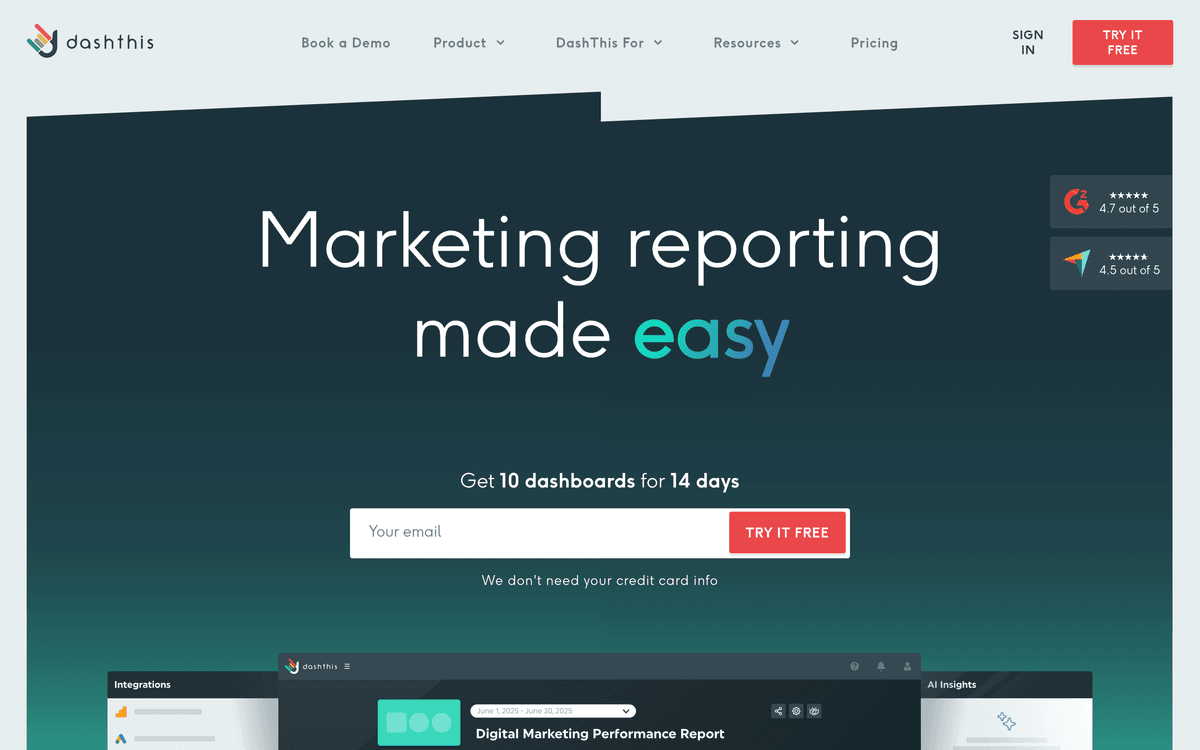
The lighter, faster tool in the category. Cheaper than AgencyAnalytics on a per-client basis. Less polish, more speed. Designed for agencies who want a “set up the integrations, schedule the report, walk away” workflow. Strong in mid-market North American agencies running on tight margins.
What it does well. Speed-to-first-report. The product is built to feel like a checklist — connect data, pick template, set schedule, done. White-labelling is functional. The pricing scales kindly as you add clients.
What it misses. Design ceiling. DashThis is honest about what it is — a lightweight reporting tool — and the output reflects that. For a client who’s paying the agency a five-figure monthly retainer, a DashThis-shaped report can feel undersold. It’s the right answer for high-volume, low-touch agency models; less so for premium positioning.
5. Looker Studio
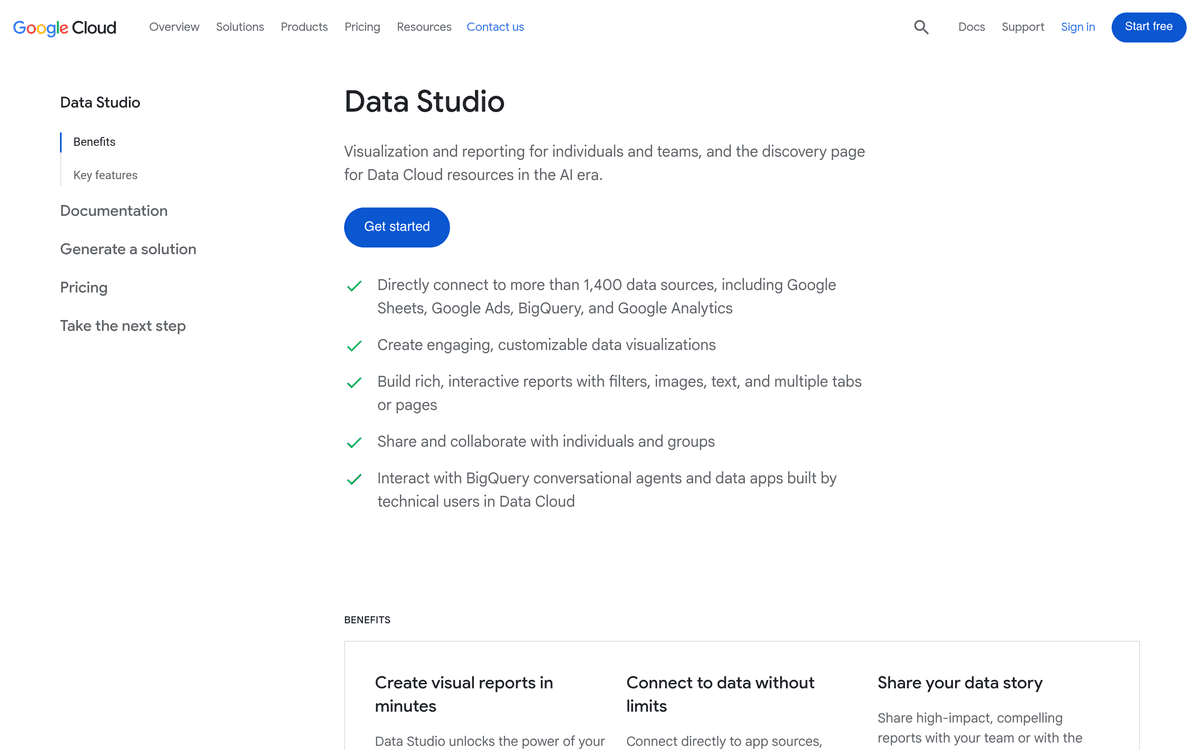
The free option, and the one a meaningful share of more technical agencies converge on. Google Cloud’s BI and reporting tool. Native connectors to Google’s stack (Ads, Analytics, Search Console, Sheets, BigQuery), plus a wide partner-connector ecosystem for everything else. Free to use; the cost is your team’s engineering time.
What it does well. Flexibility. With SQL chops and an analytics engineer, you can build dashboards Looker Studio’s category competitors literally can’t — joining warehouse data, layering custom calculations, embedding the dashboard in a portal. For agencies with technical teams or technical clients, this is the tool that can scale to “different report per client” without per-client tooling cost.
What it misses. Polish, white-labelling, and operations. The default styling is utility-grade; making it look agency-branded is real design work. White-labelling above the dashboard layer (custom domain, branded delivery) requires extra plumbing. And the operational layer — scheduling PDF exports, handling client comms, versioning reports — is something the agency has to build, not buy. For the agency reporting software buyers guide view of when this trade-off pays, it’s roughly: yes if you have an analytics engineer, no if you don’t.
The honest gap across all of them
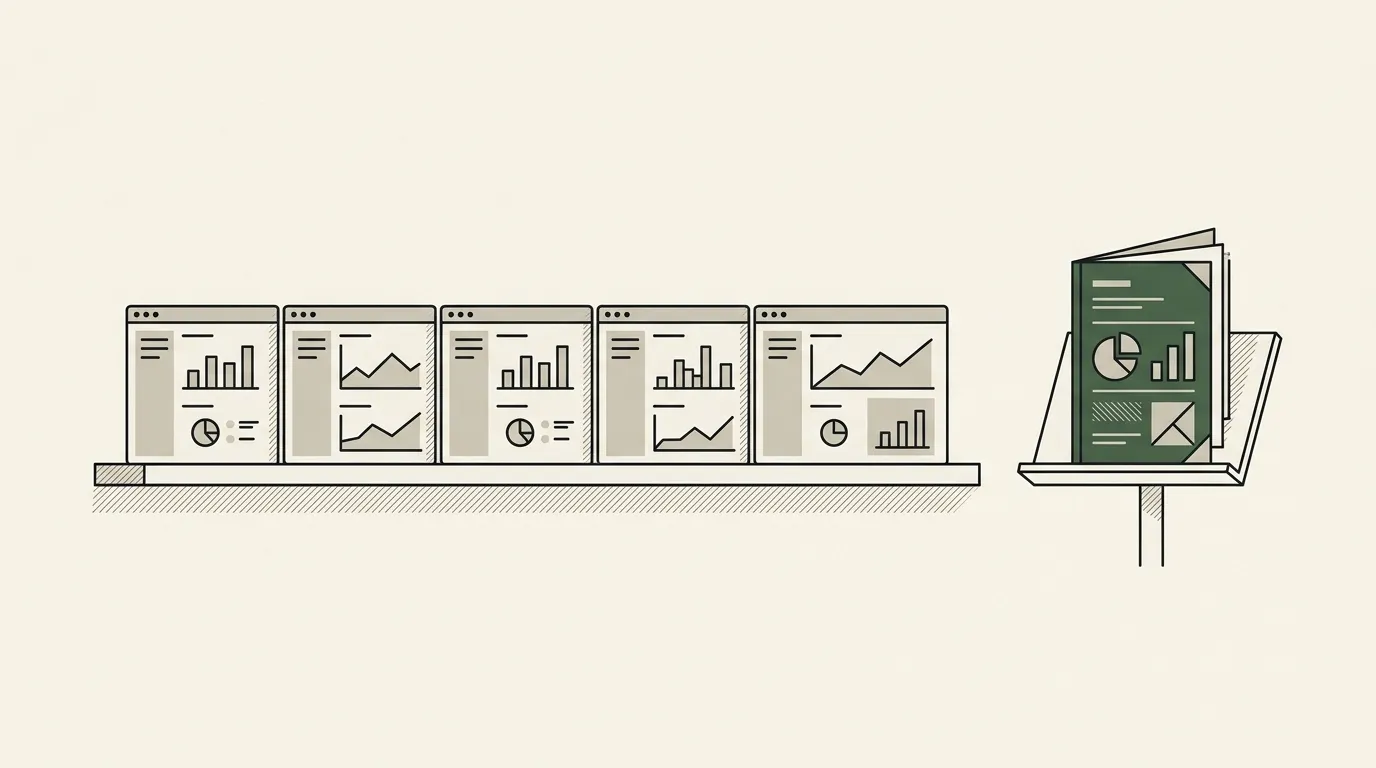
Read the section above on each tool. Notice the pattern. Every one is, at its core, a dashboard tool. PDF export is a feature, not the product. The category has converged on “show widgets in a browser, then render those widgets to a PDF on a schedule.”
That’s a fine product for the use case it solves — clients who want a recurring snapshot of their performance metrics. It’s a poor fit for the use case agencies increasingly need: a designed, narrative-led, brand-consistent client-facing document that argues a case, presents recommendations, and reads like the work product of a senior strategist rather than a screenshot of a dashboard.
The tell is in the templates. Open any of the five tools, click the template gallery, and count the templates that look like a dashboard versus the templates that look like a document. The dashboard count is overwhelming. That’s not because nobody’s tried to build the document version — it’s because the engineering shape of dashboard tools (widgets, grids, filter rows) doesn’t naturally produce documents (covers, narrative sections, designed pages, conditional layouts).
For agencies whose clients want the dashboard, the five tools above are the field. For agencies whose clients want the document — agencies positioning around senior strategy, branded deliverables, board-grade artefacts — the field looks different. That’s where document-automation platforms enter, and that’s the structural gap the dashboard tools haven’t closed.
Which tool fits which agency
A rough decision tree, based on client mix and team shape:
| Your clients and team | Pick |
|---|---|
| Performance-marketing buyers, mid-sized team | AgencyAnalytics: integration breadth and price band match |
| Brand-conscious accounts that want polish | Whatagraph: presentable templates without heavy lifting; better support reports from EU and ANZ teams |
| Clients who want a permanent portal, not a monthly file | ReportGarden: the portal is the product |
| Small team, tight margins, price-sensitive clients | DashThis: does what it says |
| An analytics engineer and technical clients | Looker Studio: most flexibility for the least tooling cost, paid in your time |
And if your clients want documents, not dashboards — covers, narrative, designed sections, conditional logic, brand fidelity that holds run-to-run — none of the five fit, and the answer is a different category. See white-label reports for agencies for the document-side framing.
Where to start
The mistake to avoid: picking a client reporting tool because of a feature checklist, without auditing what your top three clients actually want their report to look like. The feature lists are similar. The templates are not. Spend an hour with each tool’s template gallery before committing — that’s the closest you’ll get to a real preview of what your clients will receive.
For the architectural treatment of the category, read the agency client reporting automation. For the broader buyer’s framework on tools across reporting categories, see report automation tools. For the customer-success version of the same document-versus-dashboard problem, see QBR software.
Common questions, answered
What's the difference between a client reporting tool and a dashboard? +
Which client reporting tool is best for a small agency under ten people? +
Why do most agencies end up using more than one tool? +
Is a client reporting tool worth it if I have ten clients or fewer? +
What does 'white-label' mean in a client reporting tool? +
Related reading
- Agency Client Reporting Automation → Guide
- Report Automation → Guide
- Document Automation → Guide
- White label reports: what agencies actually need vs what tools deliver → Blog post
- Agency reporting software: a buyer's guide for 2026 → Blog post
- Report automation tools: a buyer's framework for 2026 → Blog post