Conference program template: what production-grade looks like
What a production-grade conference program template looks like: the data model, the design layer, the generation pipeline, and where event tools fall short.
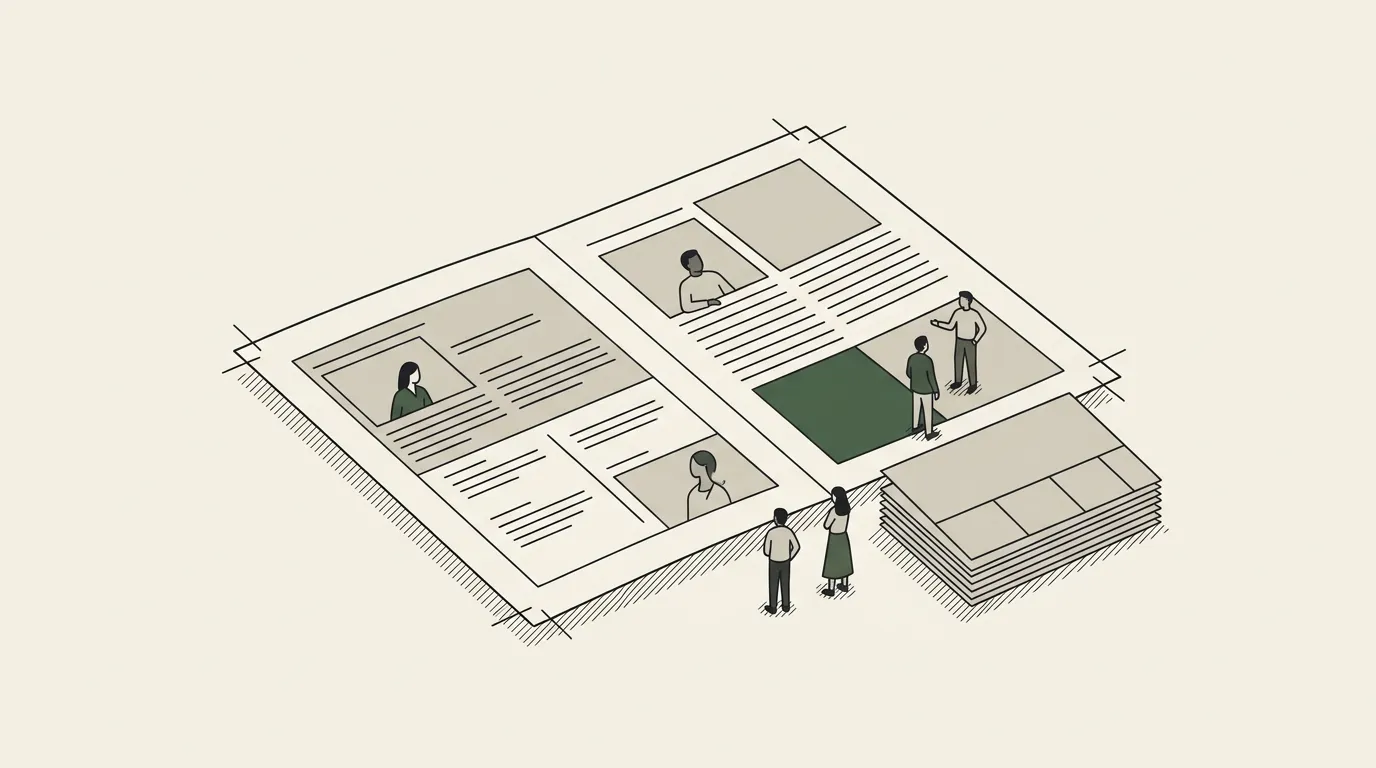
A production-grade conference program template is a pipeline, not a file: session data in a structured store, the design in a master a designer owns, and a generation step that rebuilds the booklet, speaker packs and web schedule whenever a session changes. This piece covers the data model, the template layer, the pipeline and the four capabilities that separate it from a Word agenda.
A conference producer I know keeps a printed copy of last year’s program on the desk during build season. Not for nostalgia — for honesty. It’s the artefact that survives the event. Forty-eight pages, three days, four parallel stages, ninety-something sessions, two languages on facing pages. Every name spelled right. Every time correct to the minute. And in the week before the event, twenty-two of those sessions changed.
That’s the gap a real conference program template has to close. Not “a nice agenda layout.” A pipeline where the data is the source of truth, the design is owned by a designer, and the printed booklet, the speaker briefing packs, the app feed and the website schedule all regenerate from one place when something moves. The kind of system event ops teams build the second time they live through a midnight reprint.
This piece is the architecture version. What separates a template-driven conference program from a Word-doc agenda — the data model, the design layer, the generation engine, and the capabilities production teams actually need. For the longer treatment of how event-program automation fits into the rest of an event-ops stack, read the event program automation.
The data model is the thing
The first place most teams go wrong with a conference program template is the data layer. They start in the document. Someone opens InDesign or Slides, builds a beautiful master, and the program lives in the document until the day someone needs to know which speakers are confirmed and the only honest answer is “open the InDesign file.”
Production-grade conference programs invert that. The data lives in a structured store; the document is one of several outputs generated from it. The store can be Airtable, a Postgres database, a Google Sheet with discipline, or a CMS. The shape is what matters more than the tool.
The minimum useful schema:
| Table | One record per | Holds |
|---|---|---|
| Days | Event day | Date, theme, published-status flag |
| Stages | Stage, room or track, per day | Name, capacity, the colour or visual key the design uses |
| Sessions | Session | Start, end, title, description, type (keynote, panel, breakout, sponsor, break), status (confirmed, tentative, cancelled), parent stage and day |
| Speakers | Person | Name, title, organisation, photo, bio, handles; joined to sessions many-to-many |
| Sponsors | Sponsor | Tier, logo, sponsored sessions, ad placements |
The non-obvious requirement is referential integrity. Moving a session from Stage A to Stage B is a single record update, not a search-and-replace across an InDesign file. Renaming a speaker updates every place they appear — the program, the briefing pack, the website, the sponsor tear-sheet — because every appearance is a lookup, not a copy.
If your data layer doesn’t enforce that, you’ll hit the silent-breakage problem the night before the event. Someone will fix a typo in one place, miss it in another, and you’ll print four hundred booklets with an inconsistent name.
The template layer belongs to the designer
The second place teams go wrong is treating the document as a programmer’s output. The program is a designed artefact. The cover, the day dividers, the session card layout, the speaker portrait grid, the sponsor wall — those are design decisions, made by a person, in their native tool.
The discipline of a production-grade conference program template is that the design layer is a master file the designer owns and edits. The generation engine walks the master, finds placeholders or named regions, fills in the data, and never invents layout. If the design needs to change — bigger speaker photos, a new sponsor tier, a different time-slot colour — the designer changes the master and the next generation picks it up.
The platforms that get this right preserve template fidelity end-to-end. Google Slides as the master, Slides API for rendering. PowerPoint as the master, Open XML for rendering. InDesign for the printed deliverable, with data merge or a structured XML feed. Word for the briefing packs, with content controls or merge fields.
Where this breaks: HTML-rendering tools that “look the same” but actually rebuild the page from CSS each run. Custom Python scripts that lay out the program by writing geometry into the file. Anything that regenerates layout from code rather than walking a designed master. Those are the systems that produce the “automated programs look automated” complaint.
The generation pipeline
Once the data and the design are in their right places, the engine in the middle is comparatively boring — and that’s the point.
A reasonable production pipeline:
- 01
Trigger
A button in Airtable, a workflow run, a CMS publish event, a cron. Whatever fits the team, as long as it is deterministic and replayable.
- 02
Fetch and validate
Pull Days, Stages, Sessions, Speakers, Sponsors; resolve every join; check that every session has a stage, every referenced speaker exists, and no two sessions overlap on one stage.
- 03
Render
Walk the master: a day spread per day, a stage block per stage, a session card per session, a portrait per speaker at the size the master defines.
- 04
Output
Write the file to its destination: a Slides deck, a PDF, an InDesign-ready feed, a Word briefing pack. Version it, notify the team.
The workflow tool in the middle (Airtable automations, n8n, Zapier, a custom service) is the orchestration. It’s not where the design lives. It’s not where the data lives. It’s the seam.
The honest version of this is that ninety percent of the engineering effort is in step two — validation. The session-overlap check. The “every confirmed session has a confirmed speaker” check. The “every sponsor session is tagged as such” check. The “no day is missing a closing session” check. These are the rules that turn a generation pipeline from a print job into a production system.
Capabilities production teams actually need
Beyond the basic Days→Stages→Sessions render, four capabilities separate a conference program template that survives a serious event from one that breaks.
| Capability | Why it matters | What production-grade looks like |
|---|---|---|
| Bilingual or RTL output | Arabic and Hebrew change paragraph direction, list alignment, tab stops and table flow, not just the font | Language is a property of the data; rendering uses the document format’s native RTL support |
| Last-minute change propagation | A keynote drops at 9pm with the booklet at the printer and the app live | Regenerate-everything: update the session, run, every artefact rebuilds with a dated version |
| Proof-cycle management | Chairs, sponsors and headline speakers sign off | Versioned proofs routed for comment; comments go back into the data, never around it |
| Multiple coordinated outputs | App, website, sponsor tear-sheets, briefing packs, run-of-show, name tags | One generation system, many render targets, one source; move a session and every output moves |
For a more ground-level walkthrough of the document side, see the conference agenda template post. For the multi-day-event version of this, see event program template multi-day.
Why bespoke event-program tools mostly miss this
There are vertical event-program tools on the market and they get something right — usually the published agenda screen on the event website. The reason serious conference teams keep building around them isn’t that the tools are bad; it’s that they own a slice and assume the slice is the product.
The teams running multi-stage, multi-day, bilingual, sponsor-driven conferences have ten outputs that have to stay in sync, and the bespoke tool covers two of them. So the team wraps it: an Airtable base on the side that holds the real source of truth, a workflow tool to push to the bespoke product, a separate generation pipeline for the printed booklet, another for the briefing packs. The bespoke tool ends up as one of several downstream consumers of a data layer the team built anyway.
That observation is what pushes mature event ops toward template-driven document automation. The data layer is the platform. The bespoke tools are renderers. Owning the data layer and treating each artefact as a render target — including the printed program, including the briefing packs, including whatever the next event needs — is what production-grade looks like.
What to do with this
A 30-minute exercise that sharpens any conference-program project:
- Write down the data model. Days, Stages, Sessions, Speakers, Sponsors, with the relationships. If the model isn’t on a page, it isn’t a model.
- Identify every output. Printed program, app feed, website, sponsor tear-sheets, briefing packs, run-of-show. List them. Each one is a render target.
- Find the source of truth. For each field that appears in multiple outputs, identify which system owns it. If two systems own it, you have a sync problem waiting to break.
- Test the regenerate path. Pick a hypothetical session move — speaker swap, stage change, time slot — and trace what has to update. If the answer is “nine different files, manually,” the pipeline isn’t there yet.
- Decide the seam. Build the data layer in Airtable, in a database, in a CMS. Pick the workflow tool. Pick the document-generation engine. The seams are where the engineering is.
That’s the work. The platforms make it faster — the discipline is in the model.
For the longer architectural treatment of event-program pipelines, including which integrations matter at scale and where the failure modes are, read the event program automation. For the data-layer side of this, see airtable document automation.