What is document automation? A complete architecture guide
What is document automation, really — the four-component architecture, the vendor differences that matter, and an honest map of when each approach wins.
Document automation is producing finished, branded documents, PDFs, decks and Word files, directly from a data source on a schedule or trigger, with nobody hand-editing the output. Every working system has four components: a data layer, a template, a generation engine and orchestration. This is the engineering-leader version: the architecture, how vendors differ across it, and when it pays.
A finance team I know spends two days a month on the board pack. Every cycle. Same fifty-page document, same charts, same commentary structure, fresh numbers from a warehouse that already has every metric the deck needs. The work isn’t analysis; the analysis happened in the warehouse. The work is moving numbers from a dashboard into PowerPoint and making the formatting not break.
That gap — between the data being ready and the document being shipped — is what document automation closes. It isn’t a single tool. It isn’t a feature flag in your BI software. It’s an architecture, with four components, and once you see them named you can’t unsee where every team’s pipeline is broken.
This is the architectural version of the question. What is document automation, really, when you strip the marketing language off. The four components, the vendor differences, the honest tradeoffs between approaches, and a map of when each one wins. For the broader hub-level overview, the document automation is the longer treatment. The piece you’re reading is the engineering-leader version.
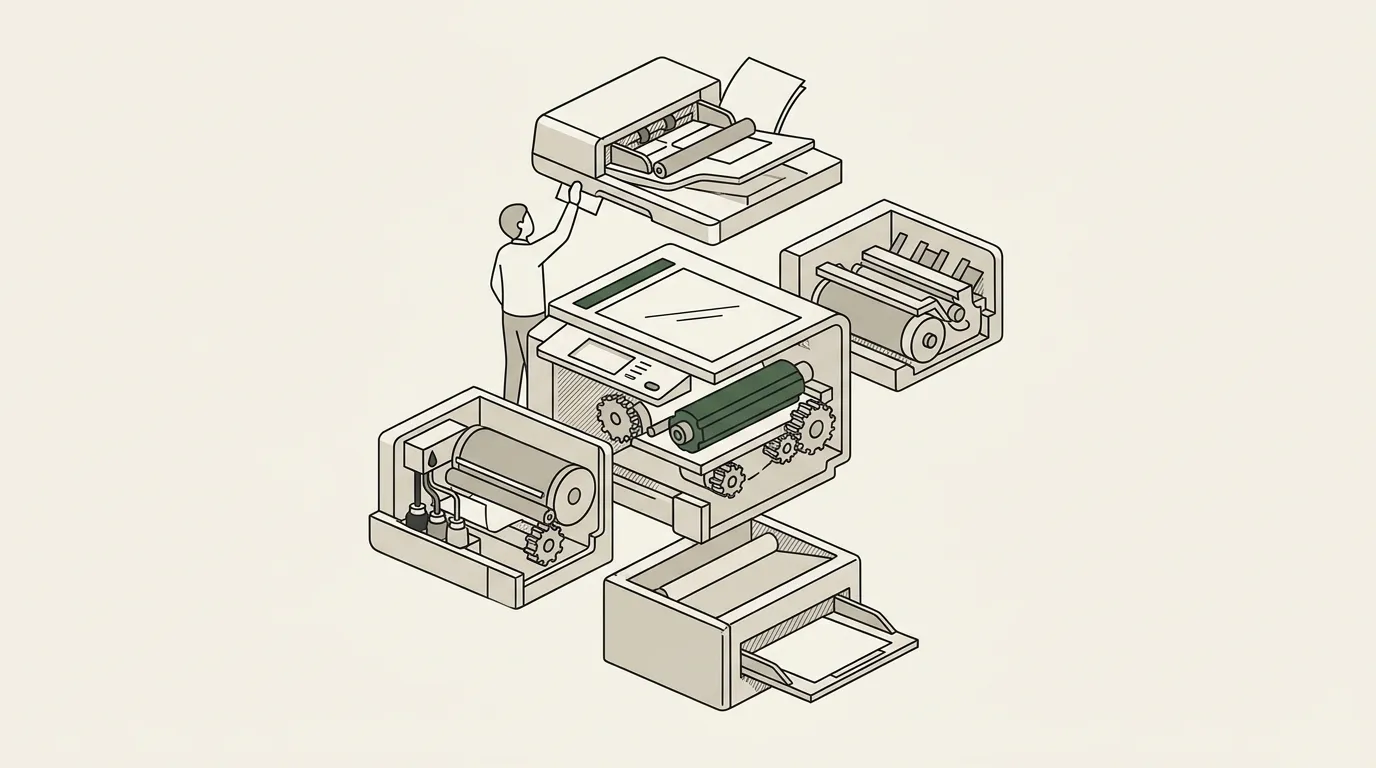
What document automation actually is
Document automation is the production of finished, branded documents — PDFs, slide decks, Word files, sometimes HTML — directly from a data source, on a schedule or a trigger, without anyone hand-editing the output. The audience receives an artefact. The team builds, once, the pipeline that produces it.
What it isn’t, listed deliberately: a dashboard. A BI tool’s PDF export. An AI prompt that says “write me a deck about Q3.” A document signing workflow (that’s contract automation, a different category). A no-code form-to-PDF tool (that’s a subset, not the category).
The category line is delivery and determinism. A document automation system produces the same artefact shape every cycle, with fresh data each time, with brand fidelity preserved. The audience gets a thing they can read offline, attach to an email, paste into a board pack, archive. The pipeline is what makes that thing exist on time without anyone in the loop.
The four-component architecture
Every functioning document automation system has the same four components. When something isn’t working, it’s almost always one of these missing or substituted with a square peg. They show up across every vendor, every approach, every team that’s ever tried this.
| Component | What it holds | The non-obvious requirement | Where vendors differ |
|---|---|---|---|
| Data layer | The warehouse, the sheet, the Airtable base, the CRM API | Shape, not just content: month-over-month, top-N, narrative fields have to be queryable | SQL against your warehouse vs their own connectors vs a flat file only |
| Template | The designed artefact: Slides, Docs, PowerPoint, Word, HTML | Fidelity: does the output look like the master or like the platform | Designer-owned native files vs rebuilt inside the vendor’s editor |
| Generation engine | The thing that walks the template and fills it | Determinism and conditional logic | Script, AI, or template-driven |
| Orchestration | When it runs, where it lands, who gets it | It has to exist; the lab pipeline nobody scheduled is the commonest failure | Time-based, event-based, on-demand, or “someone remembers” |
Data layer
A queryable source of truth. The warehouse, the spreadsheet, the Airtable base, the CRM API, the product analytics database, the financial system, the survey tool. Anything the document needs to pull a number, a chart, a table, a piece of copy from.
The non-obvious requirement is shape. The data layer doesn’t just need to contain the underlying data — it needs to support the shapes the document needs to render. Period-over-period growth, ranked top-N lists, cohort breakdowns, narrative text fields. If the document needs month-over-month and the warehouse only stores raw events, you’ll either bend the warehouse to compute the metric or end up writing that logic in the wrong place — usually inside the generation engine, where it becomes brittle and hidden.
The mistake teams make: assuming the data layer is “done” because it powers the dashboard. Dashboards tolerate computed-on-the-fly metrics. Documents need the metric named, defined, and queryable. The shape requirement is real and almost always understated.
The vendor difference here: some platforms expect the data already in a single warehouse and connect via SQL. Some platforms ship their own connectors and pull from sources directly (Airtable, GA4, Meta Ads, HubSpot). Some platforms expect a denormalised flat file or a Sheet — anything more structured than that and they break. The architecture you pick has to match where your data already lives, not where the vendor wants it.
Template
The designed artefact the document inherits from. A native PowerPoint deck, a Google Slides file, a Word document, an HTML layout, an InDesign file. The template owns the brand. Typography, spacing, section structure, colour palette, the logo treatment, the header and footer pattern, the chart styling. The template is what makes one team’s automated output look like a designer made it and another team’s look like a CSV pasted into Pages.
The architectural question on the template is fidelity. Two camps:
Designer-owned, native-format templates. The designer opens PowerPoint, lays out the deck the way a designer lays out any deck, marks placeholders for the dynamic content. The platform reads the file natively, walks the placeholders, fills them, leaves the rest alone. Output looks identical to the master because it is the master, with content swapped in. This is the camp Google Slides automation, PowerPoint automation, and Word document automation live in.
Platform-owned templates. The designer rebuilds the template inside the vendor’s editor — usually a constrained set of layouts, a constrained typography palette, a constrained chart library. Output looks like the platform’s house style, with brand swaps. This is most “AI-generated deck” and most generic document-builder platforms.
The first camp wins on brand-critical recurring deliverables. The second camp wins on speed-to-first-draft and on use cases where the brand isn’t load-bearing. Don’t pick the wrong camp for your use case.
Generation engine
The thing that takes the data and the template and produces the filled artefact. This is the piece teams write themselves, buy as SaaS, or commission. The architectural choices live here, and the vendor differences are sharpest.
Three architectures show up.
| Script-based | AI-based | Template-driven | |
|---|---|---|---|
| Examples | python-pptx, python-docx, Slides API, HTML to PDF | Gamma, Beautiful.ai, Tome, Plus AI | SourceToDocs |
| Layout comes from | Code | The prompt, each run | The designer’s master |
| Same input, same output | Yes | No | Yes |
| Cost lives in | The year-long edge-case tail | Re-establishing the brand every run | The first mapping |
| Right for | Bespoke jobs with an engineering owner | First drafts, brainstorms | Recurring branded outputs |
Script-based. Python with python-pptx or python-docx, the Google Slides API, server-side rendering with HTML-to-PDF. The team writes code that walks the template and emits the output. Free in dollars; costly in maintenance. The first version takes a weekend; the year-long edge-case tail is where the cost lives. Image sizing, table overflow, conditional sections, font fallbacks across operating systems, the platform-specific quirks of each output format. The python-pptx practical guide and the Google Slides API practical guide are honest about where the script approach stops being free.
AI-based. Prompt to deck. Gamma, Beautiful.ai, Tome, Plus AI. The category that has caught the attention in the past two years. Real, useful for first drafts, useful for brainstorms, useful when the user has time pressure and no template. Where it breaks down — and the document automation vs AI deck generators post is the longer version — is on recurring branded outputs that have to look identical run-to-run. Prompt-driven generation is non-deterministic by design. Brand fidelity, source-of-truth integrity, and run-to-run consistency are exactly the dimensions prompts struggle on.
Template-driven. The third architecture, and the one this site is in. The template is owned by a designer in their native tool. The data is owned by the warehouse or the Airtable base or the API. The generation engine sits in the middle, walks the template, fills what changes, leaves alone what doesn’t. Same template every run; data refreshes each cycle. The defensibility is brand fidelity over time — the output looks identical to the designed master on repeat, for as long as the template lives. The cost is upfront mapping; the payoff is the long flat tail.
These three architectures don’t compete in a flat market. They compete inside specific use cases. Different use cases give different winners. The document automation tools build-buy-commission framework walks through the decision honestly.
Orchestration
The wrapper that decides when to run, what to do with the output, who to send it to. Cron, an internal workflow tool, a CRM trigger, a CS platform’s “scheduled report” feature, a webhook from the data warehouse, a manual run button.
The orchestration layer is the most overlooked of the four. The pipeline can generate beautifully in the lab — clean data layer, branded template, reliable generation engine — and then sit unused because no one set up the trigger. The most common gap when teams say “automation isn’t working” is right here. The lab works; the production scheduling doesn’t.
The architectural choice on orchestration: time-based, event-based, or on-demand. Time-based (cron, scheduled jobs) for monthly board packs, weekly ops reports, quarterly QBRs. Event-based (CRM triggers, webhook on data update) for “generate the customer report when the deal closes” or “generate the QBR pack when the data refresh completes.” On-demand (button in the UI, Slack slash command, manual export) for the artefacts a human still needs to initiate.
Most working systems use a mix. The board pack is time-based. The ad-hoc QBR is on-demand. The customer-onboarding deck is event-based. The orchestration layer is what makes “document automation” mean something to the audience: they get the artefact when they expect it, without anyone in the loop.
How the four components map onto an architecture diagram
The differences between vendors are which of these four they own, which they let you bring, and how rigid each one is.
How vendors differ across the four components
A useful framework when you’re evaluating a tool: ask which of the four components the vendor owns, which they let you bring, and where the rigidity is.
| The vendor owns… | You bring… | Rigidity | Typical of |
|---|---|---|---|
| The template | Your data | High: rebuild the design inside their editor | Cosmetic-branding builders, most AI deck tools |
| The generation engine | Your template (Slides or Docs) and your data | Low: the designer keeps their tool | Template-driven platforms, including SourceToDocs |
| Orchestration only | The document itself, from someone else’s renderer | Shallow | Scheduled-export wrappers around a dashboard’s PDF |
| Data integrations | A thin generation layer | Shallow on the document | Agency-reporting tools: “200 ad platforms”, weak layout |
| All four | Nothing | Very high; breaks when your brand or source does not fit | Expensive suites |
The right answer for most teams is to pick a vendor that owns one or two components well and lets you bring the others. The data layer is almost always something you already have — bring it. The template is almost always designer-owned — bring it. The generation engine is the part you buy. The orchestration depends on whether you have an existing workflow tool you want to plug into.
The breakeven calculation
Three signals tell you whether a document is a real automation candidate. The same three appear across every honest practitioner’s framework, including the automate reports version focused on reporting specifically.
- Recurrence: the document ships on a cycle, same shape, fresh data, every week, month, quarter or event.
- Cost per cycle: a real bill in billable hours, or a real opportunity cost. "It takes me a day a month" counts; "I quite enjoy building it" does not.
- Stakes: a wrong number on slide three of a board pack is a downstream cost, not an embarrassment.
Two of three: pays back inside a quarter. All three: automation is the discipline, not an option.
Two of three usually pays back inside a quarter. One of three rarely does. All three — recurring, costly, high-stakes — and automation isn’t optional, it’s the discipline.
When AI shows up inside the architecture
The AI-versus-document-automation framing is overstated. Document automation isn’t pre-AI. AI shows up inside the architecture in three places, useful in each, dangerous in one.
Inside the data layer, AI helps with semi-structured inputs — pulling structure out of free-text fields, classifying records, summarising commentary. Useful, mostly safe, the failure mode is well-understood.
Inside the template, AI shows up as a generative-fill assistant — writing the executive summary, drafting commentary on top-performing items, suggesting recommendations. Useful when human-reviewed before send. The failure mode is plausible-sounding-but-wrong narrative; it gets caught in review if review actually happens.
Inside the generation engine, AI is the dangerous version — meaning the entire deck is generated from a prompt, with no template, with the AI deciding the layout. This is where determinism breaks. Run-to-run consistency disappears. Brand fidelity disappears. The output is good for first drafts and not good for recurring branded deliverables. The document automation vs AI deck generators post walks the line in detail.
Mature systems use AI in the data layer and in the template (as a section-level assistant). They don’t use AI as the generation engine for high-stakes recurring outputs.
Where document automation shows up across functions
A non-exhaustive list of where the four-component architecture earns its keep, with each one mapping to a deeper guide.
Report automation — the recurring document at the heart of finance, ops, and customer success.
Agency client reporting automation — the per-client monthly artefact, white-labelled, branded, scheduled.
QBR automation — the customer-success quarterly review, generated per account from CRM and product data.
Investor update automation — the monthly or quarterly investor letter, generated from KPI data and a template the founder already owns.
Proposal automation — the per-deal sales document, generated from CRM data with branded sections.
Event program automation — the per-event programme, agenda, and onsite materials.
Airtable document automation — the Airtable-to-document pipeline that powers a lot of mid-market workflows.
Across all of these, the architecture is the same. Data layer, template, generation engine, orchestration. The use cases are surface; the architecture is constant.
A starting move that beats most vendor demos
Pick one document. The one that hurts. The recurring one with a real cost.
Map it onto the four components. Where does the data live? Where does the template live? What’s between them? How does it get to the audience?
Audit each. Is the data queryable in the shape the document needs? Is the template designer-owned and fit for the brand? Is the generation engine — even if that engine is currently a human — replaceable with a deterministic pipeline? Is there an orchestration layer that knows when to run, or is the orchestration “someone remembers”?
The audit usually surfaces the bottleneck inside thirty minutes. The bottleneck is almost always the data layer or the orchestration. The template is rarely the problem; the generation engine is rarely the problem in isolation. Fixing the bottleneck unlocks the rest.
That audit is the work. The vendor selection is downstream of it. Teams that run the audit pick better tools and avoid the rip-and-replace cycle that swallows a quarter.
For the longer hub-level treatment of the category, the document automation covers the buyer’s view. For the report-specific architectural take, see automate reports. For the AI-versus-document-automation question in detail, see document automation vs AI deck generators. For the build-versus-buy-versus-commission decision, see document automation tools build-buy-commission. For the engineering-side practical guides, see python-pptx and Google Slides API.