AI presentation tools comparison: feature matrix for B2B buyers
An honest AI presentation tools comparison for B2B buyers — eight criteria, six tools, side-by-side scoring with the no/limited entries left in.
AI presentation tools split into two categories: prompt-to-deck (Gamma, Beautiful.ai, Tome, Plus, Decktopus), built for fast first drafts, and template-driven document automation (SourceToDocs), built for recurring branded decks filled from live data. This matrix scores all six on eight B2B criteria: brand control, data integration, recurring outputs, export formats, template ownership, collaboration, pricing and support.
A head of sales enablement at a Series C SaaS company emailed last month asking which AI presentation tools their team should standardise on. They’d evaluated four of the obvious ones, all of which produced impressive demos, and were preparing a recommendation. The blocker: they couldn’t get any of them to produce the company’s actual quarterly business review template — the one their CSMs send to two hundred customers a quarter — at the brand fidelity their CMO required.
That gap is the story of the AI presentation tools category in B2B. The first-draft demos are extraordinary. The recurring-branded-document use case — the one most B2B teams actually need to operationalise — is where the category’s split shows up sharpest. This piece is the matrix that makes that split visible.
For the longer architectural framing on the category, read the AI presentation generator for business. What follows is the feature matrix and the scoring rationale.
The eight criteria for B2B buyers
Not “is the AI good.” The AI is good across all of these. The criteria that actually predict whether AI presentation tools will work for a B2B team a year from now:
Brand control. Can a designer enforce fonts, colours, logos, layout grid, and section structure across every output, with no individual user able to override the brand-book?
Data integration. Can the tool pull live data from a warehouse, CRM, or analytics source, or does it require a paste/upload?
Recurring outputs. Is the tool designed to regenerate the same document shape on a schedule (monthly, quarterly, per-customer), or is it optimised for one-off creation?
Multi-format export. Does the tool produce PowerPoint, Google Slides, PDF, and (where relevant) Word — at template fidelity — or does it lock you to its native format?
Template ownership. Who owns the template — the tool’s gallery, the workspace admin, or a designer working in their native tool? This is the deepest of the eight criteria; it determines what happens when your brand changes.
Collaboration model. Multi-user editing, commenting, version history, role-based permissions — at the level a real B2B team needs.
Pricing model. Per-seat, per-workspace, per-document, or capability-based? This shapes how the tool scales as adoption grows.
Support. Self-serve help vs assigned customer success vs implementation engineering. Predicts how the tool behaves when something breaks at quarter-end.
The matrix
A side-by-side, honest, with the “no” and “limited” entries left in.
| Criterion | Gamma | Beautiful.ai | Tome | Plus | Decktopus | SourceToDocs |
|---|---|---|---|---|---|---|
| Brand control | Workspace-level | Strong | Limited | Limited | Limited | Designer-owned template |
| Data integration | Limited (paste) | Limited (paste) | No | Limited (Sheets) | Limited (form) | Native (warehouse, Airtable, API) |
| Recurring outputs | No | Limited | No | Limited | No | Yes |
| Multi-format export | PPTX, PDF | PPTX, PDF | Native + PPTX | PPTX, PDF | PPTX, Slides, PDF, Word | |
| Template ownership | Tool gallery + custom | Workspace template | Tool gallery | Workspace template | Tool gallery | Designer-native (Slides/PPT) |
| Collaboration model | Real-time | Real-time | Real-time | Real-time + AI | Single-user weighted | Producer-centric |
| Pricing model | Per-seat | Per-seat | Per-seat | Per-seat | Per-seat | Capability-based |
| Support | Self-serve | Self-serve + CS | Self-serve | Self-serve | Self-serve | Implementation-led |
A few of those entries deserve a sentence of context. The matrix isn’t a verdict — it’s a description of which trade-offs each tool made, and which buyer profile each fits.
What the scoring actually means
Gamma
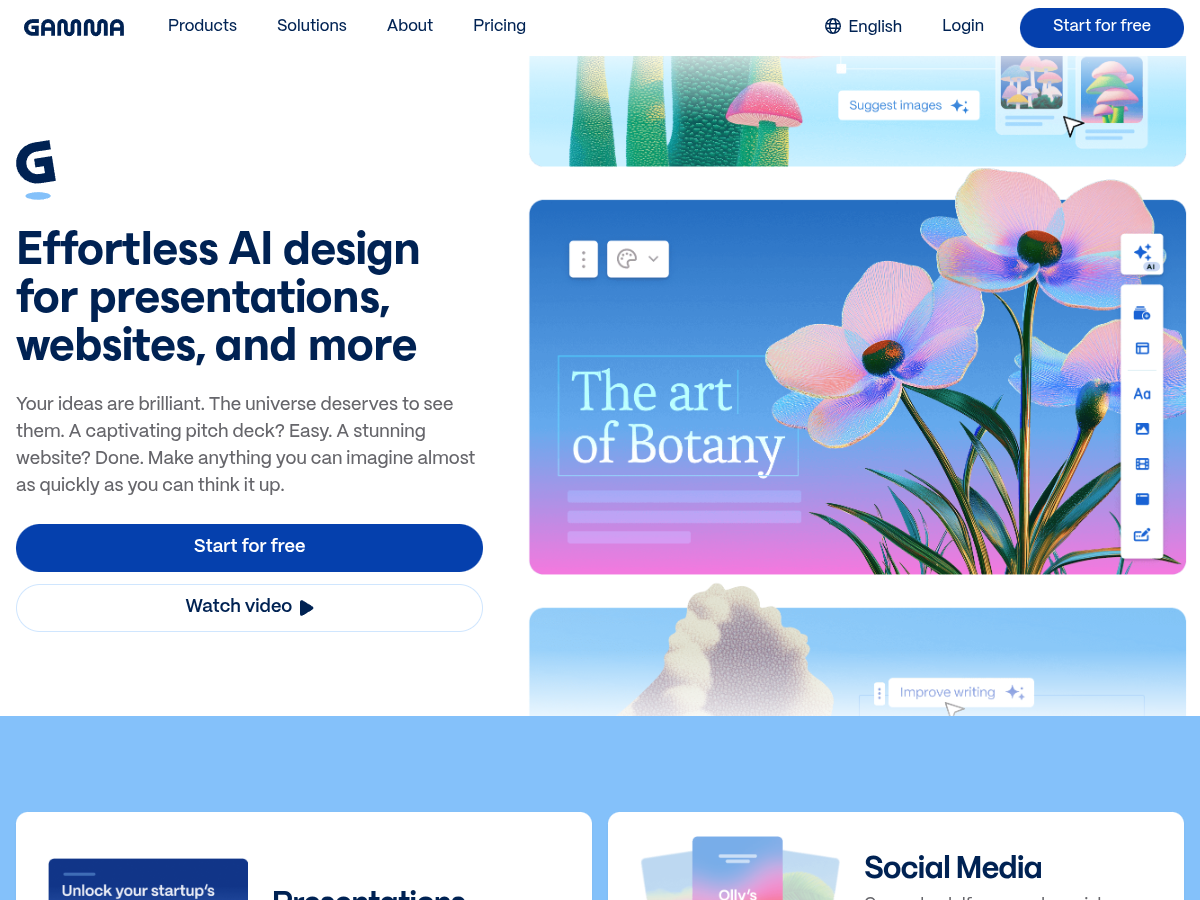
The market leader in the prompt-to-deck category. Strong workspace-level brand controls — fonts, colours, logos enforceable at the org tier. Real-time collaboration is solid. Where Gamma sits squarely on the “first-draft” side of the line: data integration is paste-and-upload, not warehouse-pull. Recurring outputs aren’t the product’s shape — every deck starts as a prompt, not as a template walked against fresh data.
For B2B teams using Gamma for marketing one-pagers, internal town halls, or sales-deck first drafts, it’s an excellent fit. For the recurring-monthly-customer-report use case, it isn’t, and Gamma doesn’t pretend it is. See gamma alternatives for b2b teams for the deeper breakdown.
Beautiful.ai
The most mature brand-control tooling in the prompt-to-deck category. Workspace templates, shared slide libraries, design rules that nudge users toward consistency. Real-time collaboration is competitive. Same structural limit on data integration and recurring outputs as Gamma — paste/upload, single-deck-at-a-time generation.
The buyer who fits Beautiful.ai best: a brand-conscious B2B marketing team that wants AI assistance without losing brand discipline. The buyer who doesn’t: a CS or finance team with recurring data-driven outputs.
Tome
Visually striking, narrative-led. Strong on the “tell a story” use case — pitch decks, internal narrative, design-forward marketing. Weaker on B2B brand control (the tool’s design language tends to dominate output) and on recurring outputs. The collaboration model is solid but the workspace tier is shallower than Gamma or Beautiful.ai.
Best for: founders, designers, marketing teams who value visual surprise. Worst for: regulated B2B teams that need brand-book enforcement.
Plus
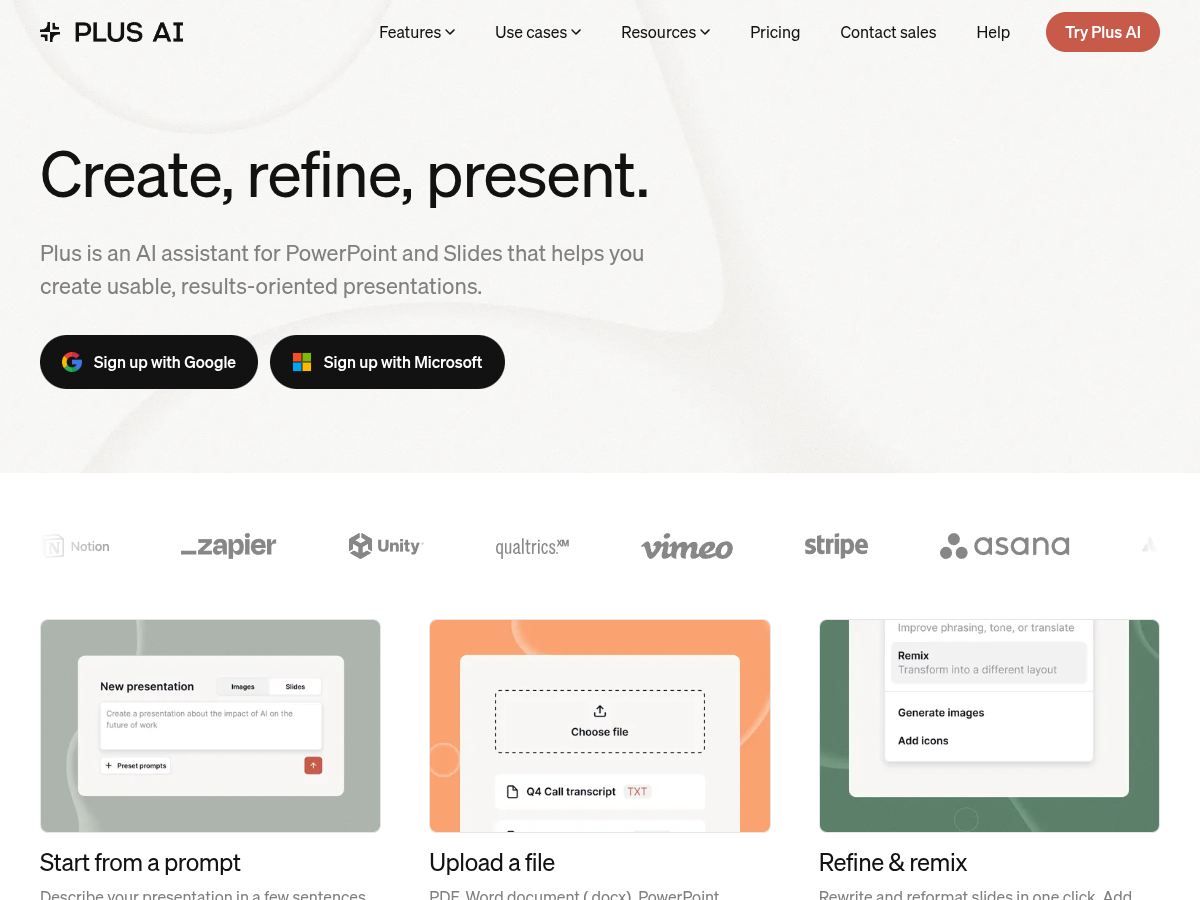
The newer entrant integrating AI deeply into the slide-creation flow. Sheets integration is more present than competitors — a real strength for B2B teams whose data lives in Sheets. Workspace templates are functional. Recurring outputs aren’t the product, but the data integration is closer than most.
Best for: B2B teams already on Google Workspace who want a Slides-native AI layer. Worst for: teams that need warehouse-tier data integration or true recurring document generation.
Decktopus
The pitch-deck-first tool, optimised for individual creators. Strong on guided creation (form-driven generation produces a deck from structured inputs). Weaker on collaboration, brand control at the org tier, and data integration. Pricing scales kindly for individual users.
Best for: solopreneurs, sales individuals creating one-off pitches. Worst for: B2B orgs that need org-wide brand discipline.
SourceToDocs
The template-driven side of the matrix. The model is structurally different: the brand lives in a designer-owned template in the customer’s native tool (Slides, PowerPoint, Word, InDesign for cover work), and the platform walks the template against live data. That’s why the matrix shows “designer-owned template” for template ownership and “native” for data integration — those aren’t features, they’re the product’s shape.
The trade-off honest readers will see: this isn’t a prompt-to-deck tool. The first draft doesn’t come from a prompt; it comes from a template a designer built and a data source the team owns. For the recurring-branded-document use case (QBRs, monthly reports, multi-customer decks, investor reporting, agency client reports), it fits. For the “I need a deck in twenty minutes for a meeting tomorrow” use case, the prompt-to-deck tools above are the right call.
How to read the matrix as a B2B buyer
Three buyer profiles, three matrix paths.
| Buyer | What matters most | Recommendation |
|---|---|---|
| Marketing-led | First-draft speed; workspace-tier brand control is enough; data integration is nice to have | Gamma or Beautiful.ai, leaning Beautiful.ai if the brand team is in the room |
| Sales-enablement-led | Brand discipline; recurring per-prospect decks; CRM-pulled fields | Beautiful.ai or Plus for the AI layer, plus a template-driven platform for the recurring per-account outputs |
| CS or ops-led | Recurring outputs are the whole use case; brand control is non-negotiable; data integration is the product | A template-driven document automation platform; see document automation vs AI deck generators |
The honest closing point
The AI presentation tools category will continue to converge on the prompt-to-deck shape because that’s what the market signals reward — viral demos, individual-creator pricing, time-to-first-output. That’s a real category and the tools listed above are good at it.
The category that doesn’t converge — that stays structurally separate — is template-driven document automation, because the design discipline (designer owns template, platform walks template, brand survives every regeneration) is incompatible with the prompt-to-deck shape. Both have a place in a mature B2B stack. The mistake is buying one and expecting it to do the other.
For the architectural treatment of the broader category, read the AI presentation generator for business. For the deeper take on why prompt-to-deck and template-driven solve different problems, see document automation vs ai deck generators.